Why Your Next Productivity App Might Be Made for Wearables
16 October 2026
For the past fifteen years, productivity software has followed a predictable arc. A task manager starts on the desktop, grows a mobile app, adds a web clipper, then spends the rest of its life competing on integrations and keyboard shortcuts. The assumption underneath all of it is that you will eventually sit down somewhere and do the real work on a bigger screen.
That assumption is starting to crack. Not because phones are dying, and not because headsets have replaced laptops, but because a meaningful share of knowledge work now happens in the gaps: walking between meetings, standing in a kitchen waiting for coffee, riding a train with no table, or pacing a hallway while thinking through a problem. These are moments when pulling out a phone is awkward, slow, or socially costly. Wearables fit into exactly those gaps. And the apps being built for them are not shrunken versions of desktop tools. They are something different.
The Real Constraint Is Not Screen Size
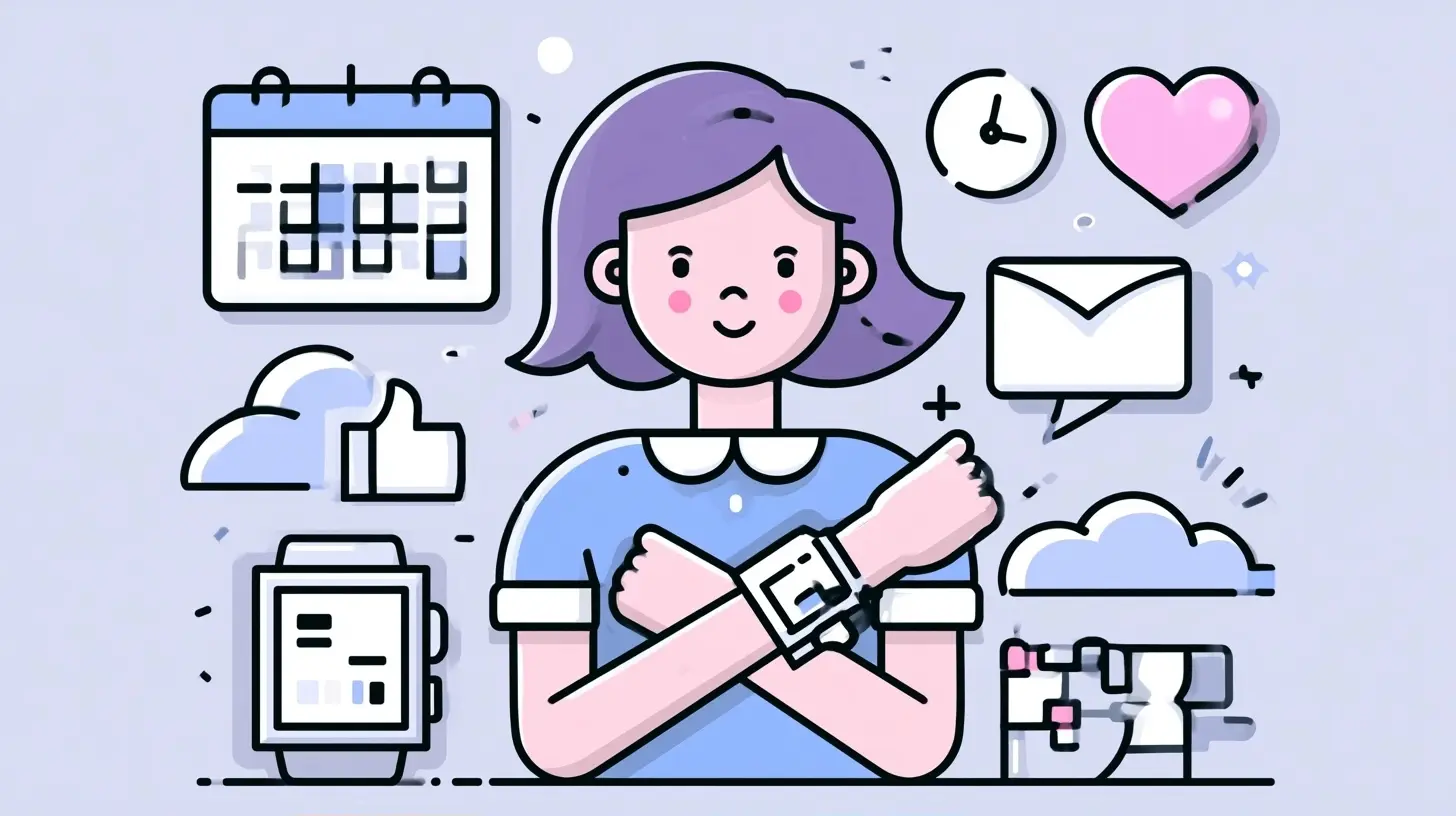
Most people assume wearables are limited by their displays. That is only part of the story. The deeper constraint is the interaction budget.On a laptop, you can afford a five-second interaction. You can open a menu, scan options, click, and confirm. On a watch, a five-second interaction feels like a failure. The wrist is a glance surface. If a task takes more than a couple of seconds, people abandon it and reach for their phone.
This is why so many early smartwatch productivity apps failed. They ported list views and dashboards onto a 40mm screen and expected users to scroll through them. The result was technically impressive and practically useless. The apps that survived did the opposite: they reduced the interaction to a single decision.
Consider what actually works on a wrist today. Checking off a task you already know exists. Confirming a calendar event. Starting a timer for a focus block. Dictating a note that gets transcribed and filed automatically. Each of these is a one-tap or one-sentence action. None of them require browsing.
The lesson is not that watches are underpowered. It is that they force a discipline that desktop and mobile apps have largely escaped. When you cannot show ten options, you have to decide which one matters.
Why Wearables Are Becoming a Serious Productivity Platform
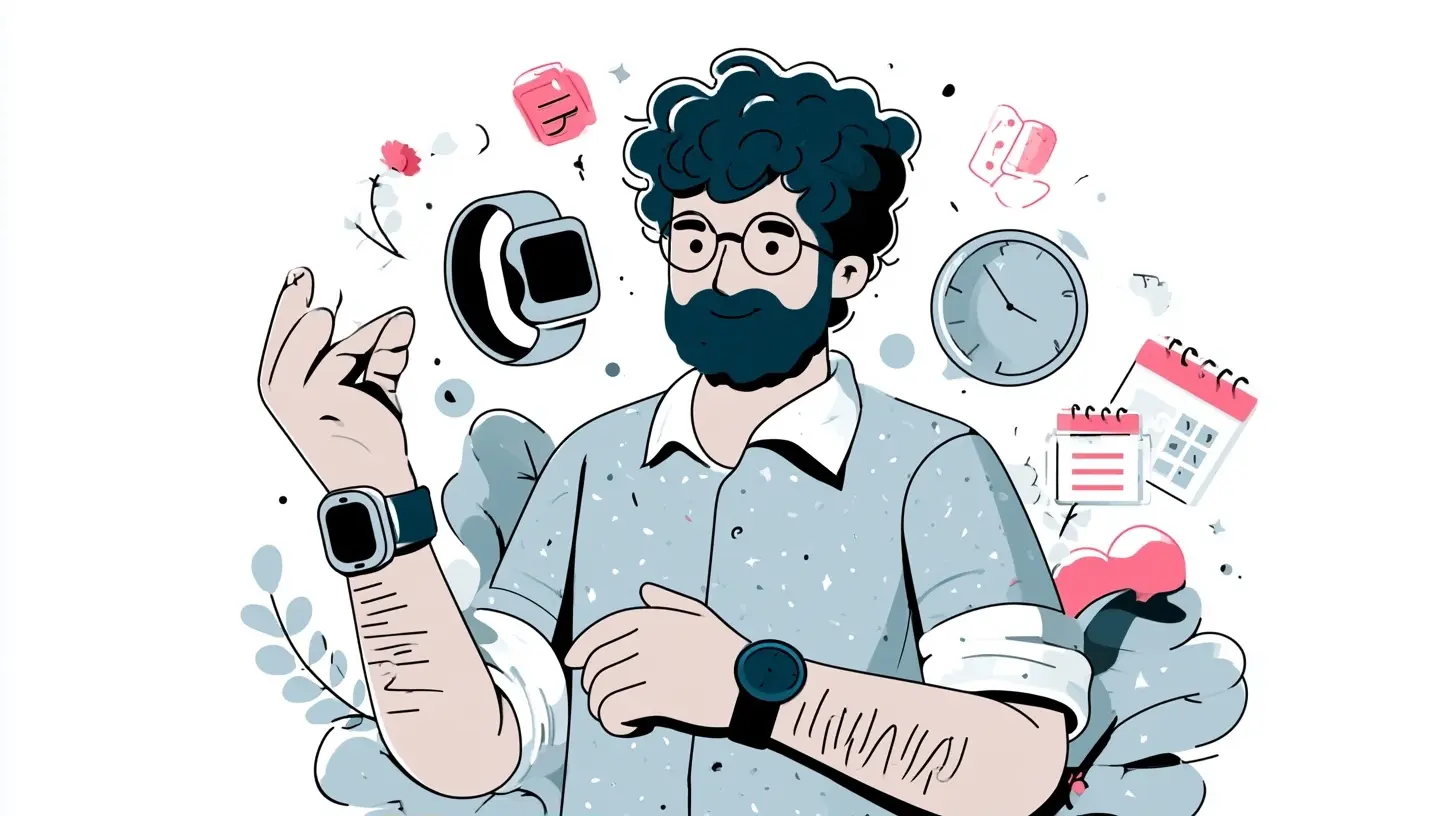
Three shifts are making wearables viable for real work rather than novelty.Always-on sensing changes what an app can know
A phone knows where you are. A watch knows how you are. Heart rate variability, skin temperature, motion, sleep quality, and ambient noise all feed into a picture of your physical and cognitive state that no other device can produce continuously.That matters for productivity in ways that are not obvious. If your resting heart rate is elevated and your sleep was poor, a scheduling app might reasonably suggest moving a high-stakes negotiation to the afternoon. If you have been sitting for ninety minutes, a focus app might prompt a short walk before your next deep work block. These are not gimmicks. They are the kind of contextual nudges that a desktop app simply cannot deliver, because the desktop does not travel with you.
Voice and haptics are maturing
Dictation on wearables has improved dramatically. On-device speech recognition now handles accents, background noise, and natural phrasing well enough that capturing a thought by speaking is faster than typing on a phone for many people. Meanwhile, haptic feedback has become precise enough to communicate meaning without sound or sight.Together, these two capabilities unlock a category that did not exist five years ago: silent, hands-free task capture. You can log an idea while walking through a noisy airport, feel a subtle tap confirming it was recorded, and never break stride. Try doing that with a phone.
Battery and connectivity stopped being the bottleneck
Earlier wearables required constant phone tethering and charged nightly with heavy use. Modern devices handle local processing, cellular or Wi-Fi connectivity, and multi-day battery life in many configurations. That removes the friction that killed first-generation wearable productivity experiments.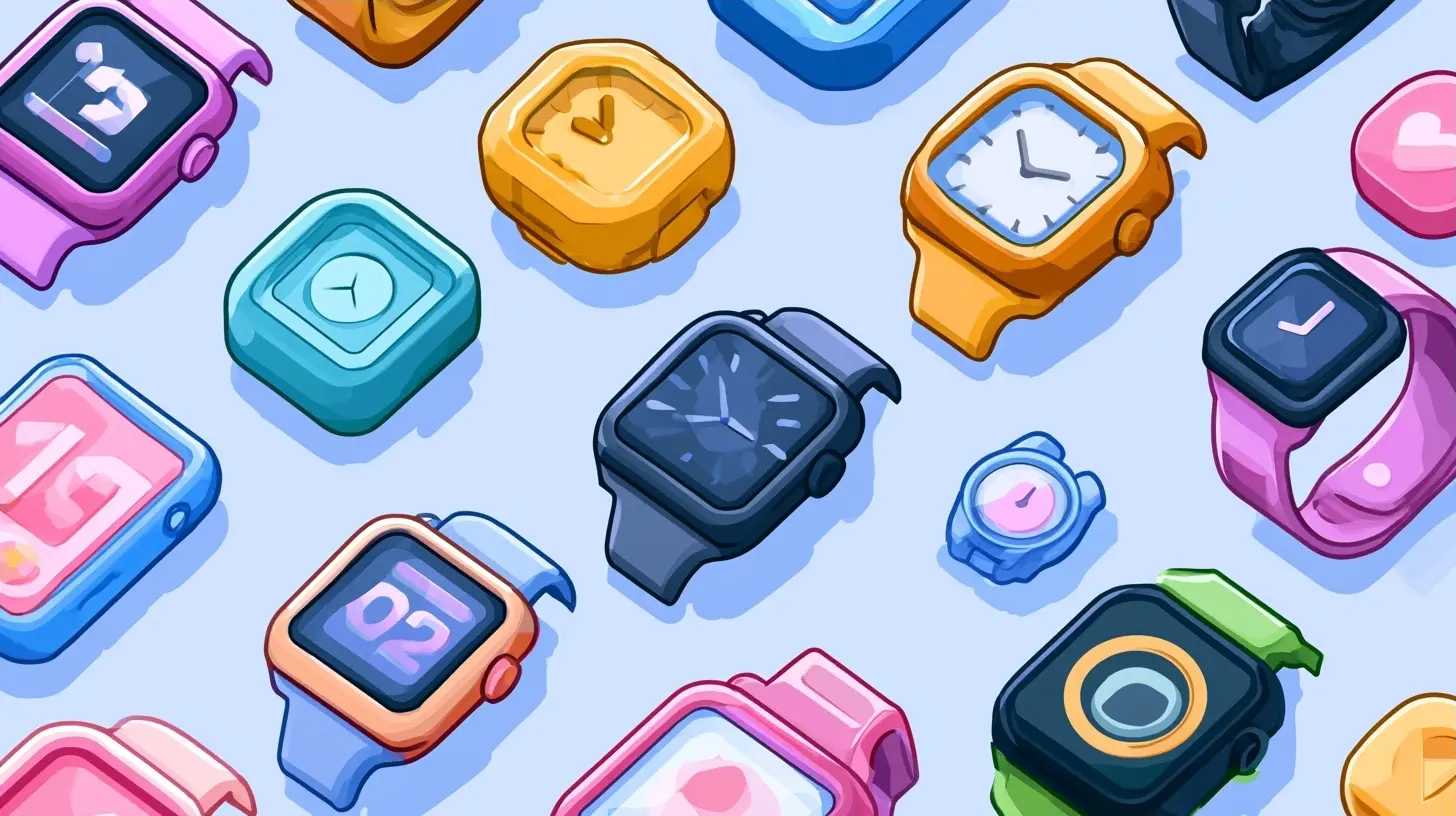
What Wearable-First Productivity Actually Looks Like
It helps to be concrete. Here are patterns that work well today, and why.Capture without context switching
The most underrated productivity problem is not organization. It is capture speed. Ideas arrive at inconvenient moments, and if capturing one takes more than a few seconds, you lose it.A wearable-first capture app treats the wrist as an inbox. You speak or tap, the item is timestamped and geotagged, and it lands in a system you already use. The value is not the note itself. It is that you never had to open your phone, unlock it, find the app, and start typing. That sequence takes twenty seconds on a good day and rarely happens at all when you are mid-conversation.
Micro-scheduling and focus blocks
Focus timers on a watch sound trivial until you use one properly. Starting a 25-minute block with a tap, feeling a gentle haptic when it ends, and seeing your daily total without opening anything is a different experience from managing timers on a phone. The friction drops enough that people actually use it.More interesting is the reverse: a watch that notices you have been in a meeting for two hours and suggests a recovery block. This is where sensing earns its place. The app is not just executing your instructions. It is participating in the decision.
Ambient task awareness
Instead of a list you scroll, imagine a watch face that shows exactly one thing: the next task that matters. Not the full backlog. Not a project board. One item, chosen by context. If you are at the office, it shows the report due today. If you are at home in the evening, it shows the personal errand you keep postponing.This is a genuinely different product philosophy. Desktop task managers optimize for completeness. Wearable task managers optimize for the next right action. Both are useful, but they are not the same tool.
Communication triage
Wearables are excellent at filtering. A watch can show you that a message arrived from a specific person, let you react with a tap, and defer everything else. For people drowning in notifications, this is a real reduction in cognitive load. You are not reading email on your wrist. You are deciding what deserves your attention right now.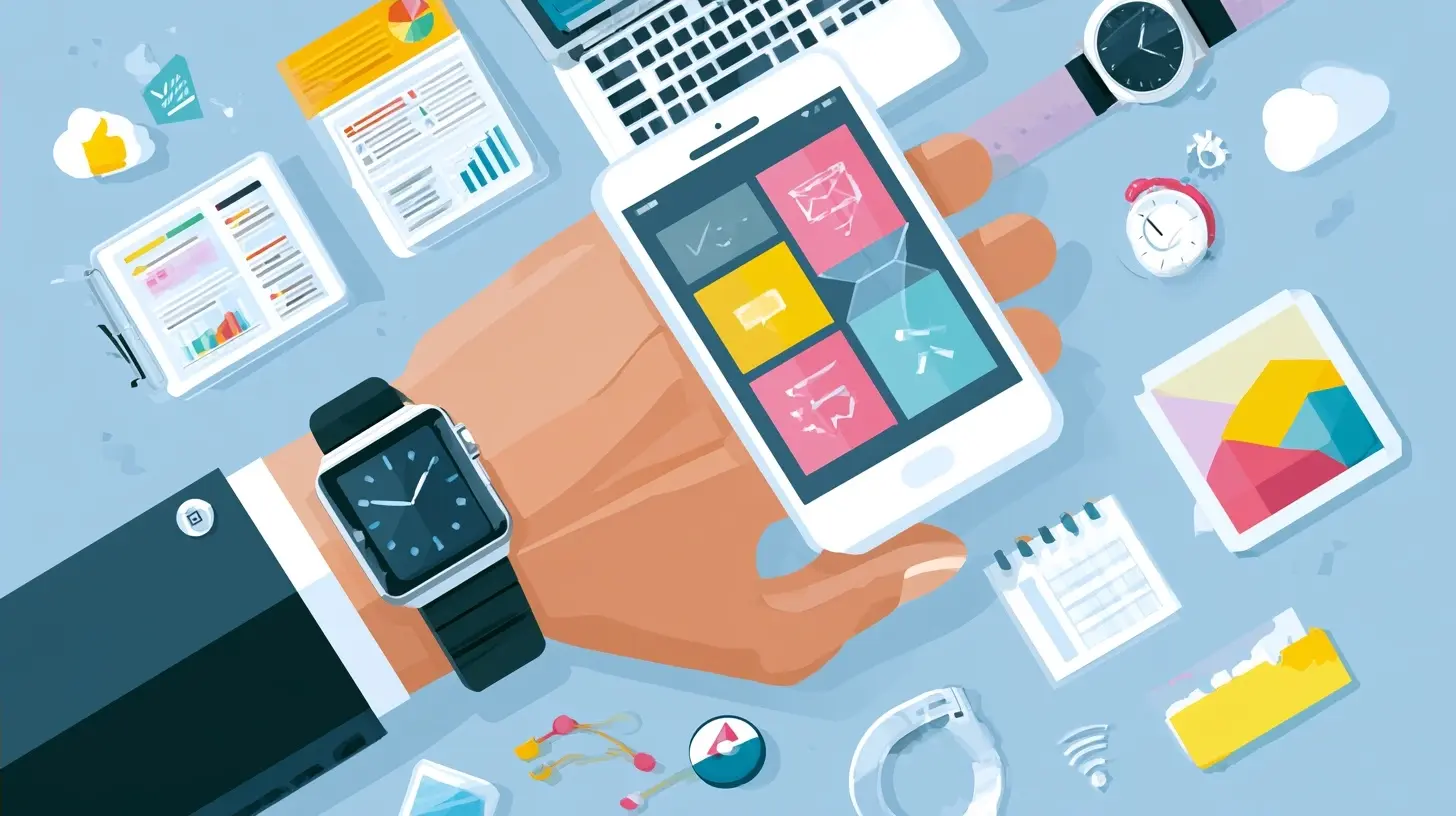
Where Wearables Fall Short, and Why That Matters
Honest assessment is more useful than enthusiasm.Complex editing is still bad
Writing a document, editing a spreadsheet, or restructuring a project plan on a watch is unpleasant at best. Voice helps for short inputs, but long-form work needs a keyboard and a large display. Any wearable productivity app that claims to replace your laptop is overselling.Small screens punish poor information architecture
If an app's design assumes a list, a watch will expose every weakness. This is actually a benefit for product teams: designing for a watch forces clarity. But it means users inherit whatever clarity the developer achieved. A badly designed wearable app is worse than no app at all.Health data raises real privacy questions
Continuous physiological monitoring is intimate. Apps that combine heart rate, sleep, and location with your work schedule are building a detailed profile of your life. Before adopting one, check where the data is processed, whether it leaves the device, and what the retention policy is. Prefer on-device processing when possible. This is not paranoia. It is basic diligence for a category that will only grow.Fragmentation is real
Watch platforms differ significantly in capabilities, APIs, and background processing limits. An app that works beautifully on one platform may be crippled on another. Cross-platform wearable development is harder than cross-platform mobile development, and the gap is not closing quickly.Common Mistakes When Adopting Wearable Productivity Tools
If you are considering moving part of your workflow to a wearable, avoid these traps.Trying to replicate your desktop setup. Your watch is not a small laptop. Port your capture habits, not your project boards.
Overloading notifications. The value of a wearable is filtering. If you mirror every alert, you have built a more annoying phone.
Ignoring battery impact. Continuous sensing and background sync drain batteries. Test real-world usage before committing.
Choosing apps that require the phone nearby. The whole point is independence in the moments when reaching for a phone is inconvenient. Verify offline capability.
Skipping the integration check. A wearable capture app is only useful if it syncs cleanly into your existing task system. If it creates a second inbox you have to manually merge, you have added work, not removed it.
How to Evaluate a Wearable Productivity App
A practical checklist, in rough order of importance.1. Does it work without the phone for the core action?
2. Can the primary task be completed in under three seconds?
3. Does it sync into a tool you already trust, without manual steps?
4. Does it respect battery life in normal use?
5. Is health or biometric data processed on-device, and can you disable it?
6. Does the app degrade gracefully when the watch is offline?
7. Is there a clear answer to what happens when you switch platforms?
If an app fails the first two, it is probably not ready. If it fails the third, it will become a graveyard of unsynced notes.
The Strategic View: Why This Category Will Grow
There is a temptation to treat wearables as a niche. That misses the trajectory. Each generation of wearable hardware adds capability while reducing friction. Sensors improve. Batteries last longer. Voice recognition gets better. Haptics get more expressive. None of these are speculative. They are the steady direction of the industry.Meanwhile, the nature of knowledge work is shifting toward fragmentation. Fewer people spend eight uninterrupted hours at a desk. More people work across locations, time zones, and devices. The productivity tools that win the next decade will be the ones that handle fragmented attention well, not the ones with the most features.
Wearables are uniquely suited to that problem. They are present when you are not at a screen. They can sense context that no other device can. And their constraints force a discipline that produces genuinely better interfaces.
This does not mean your laptop is going away. It means your productivity stack is likely to become layered: deep work on a computer, coordination on a phone, and capture, triage, and micro-decisions on your wrist. The app that owns that third layer will be one you barely think about, because it will have made itself almost invisible.
That is the real promise. Not a watch that does more. A watch that lets you do less, at exactly the right moments.
all images in this post were generated using AI tools
Category:
Productivity AppsAuthor:

Jerry Graham