The Best Keyboard and Mouse Combos for Every User
25 May 2026
Let’s face it—your keyboard and mouse are the unsung heroes of your setup. Whether you're crunching numbers, gaming into the early hours, or tightening up your latest blog post (kind of like what I’m doing right now), the right combo can make or break your flow.
But with thousands of options out there… how do you pick the right one?
Well, buckle in, because we're diving deep into the world of keyboard and mouse combos. From budget-friendly sets to pro-level precision tools, this guide breaks down the best options for every kind of user.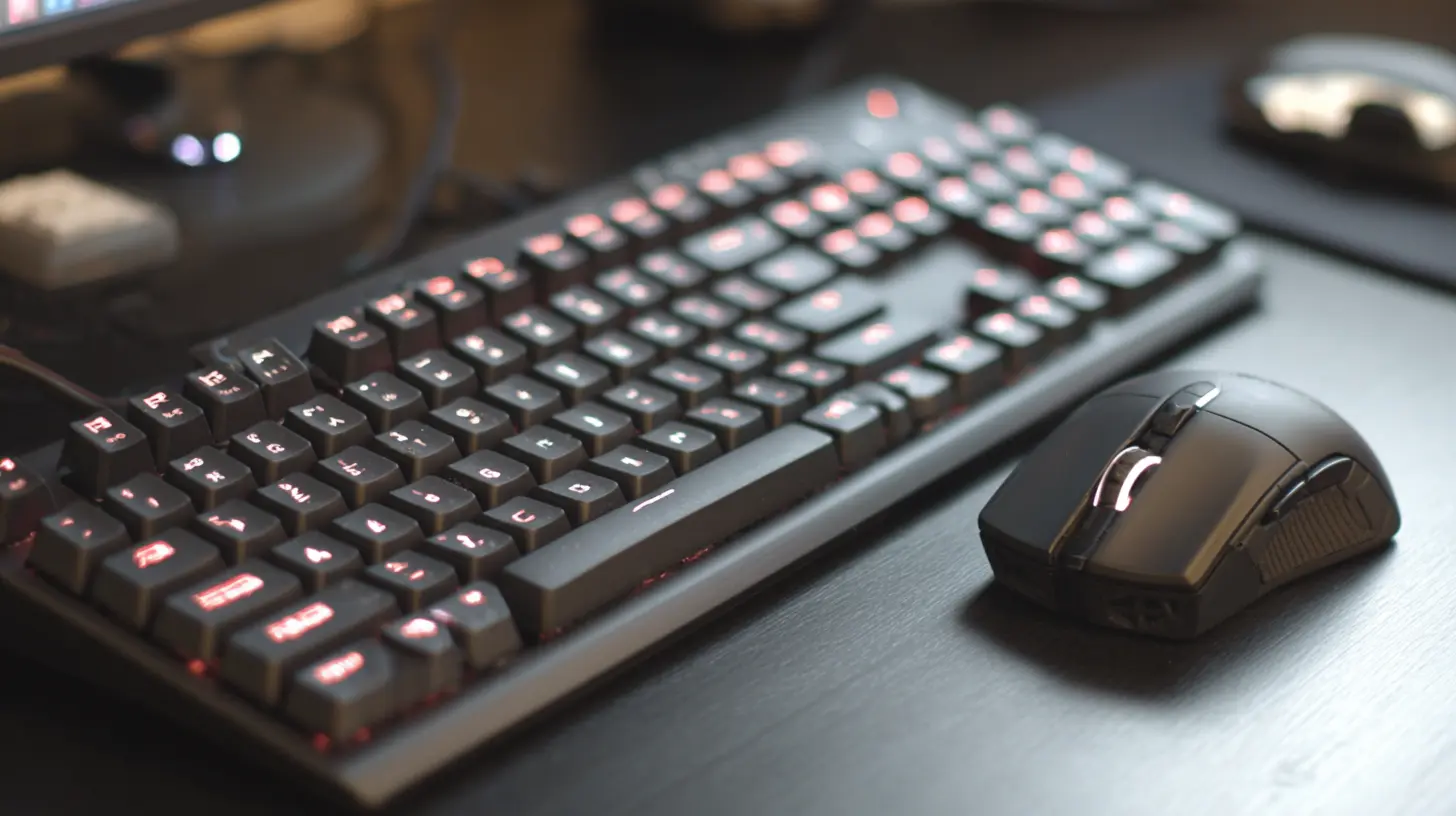
? Why Your Keyboard and Mouse Combo Actually Matters
You might be thinking, “It’s just a keyboard and a mouse — why overthink it?” Here’s the thing: You probably spend HOURS using them every day. That’s like living in shoes that don’t fit—uncomfortable, inefficient, and frustrating.A great keyboard and mouse combo:
- Improves productivity.
- Reduces wrist and finger strain.
- Enhances your gaming or work performance.
- Makes you feel like an absolute boss at your desk.
Whether you're a gamer, a writer, a designer, or just someone answering emails all day, there’s a perfect combo waiting for you.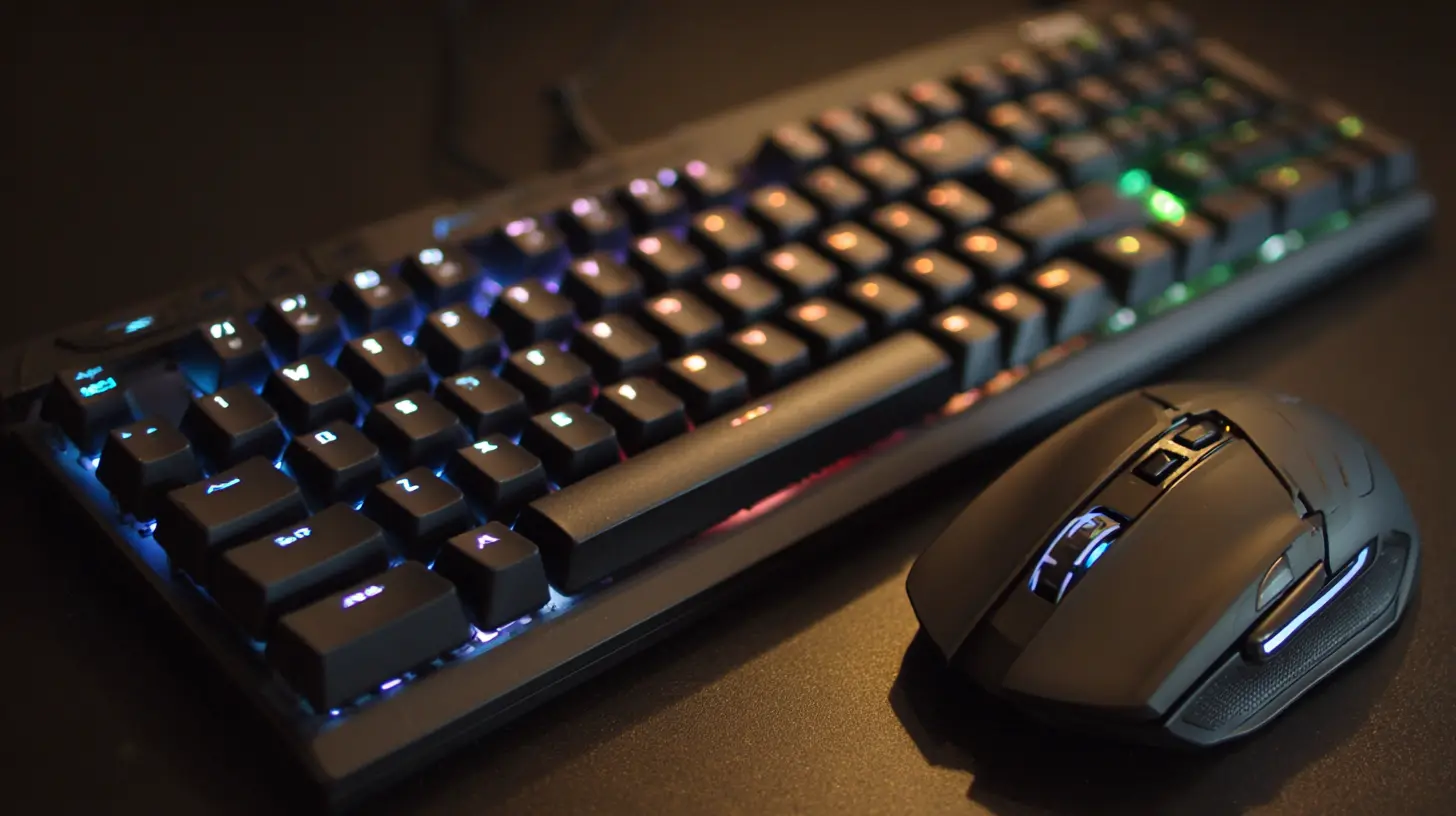
? Best Keyboard and Mouse Combo for Gamers: Logitech G Pro X Keyboard + G Pro Wireless Mouse
Performance meets precision.Let’s start with the power duo: Logitech G Pro X and the G Pro Wireless.
? Why Gamers Love This Pair
- Hot-swappable switches — Yup, you can change out switches without soldering. Want a clickier feel? Go for it. Prefer it smooth? Easy switch.- Ultra-lightweight wireless mouse — With a HERO sensor and zero lag, you’ll feel like your hand is straight-up connected to the screen.
- Custom RGB — Because aesthetics matter. You’re not just playing; you’re putting on a show.
? Pro Tip:
Playing intense titles like Valorant, Call of Duty, or League of Legends? These bad boys won't let you down when every millisecond counts.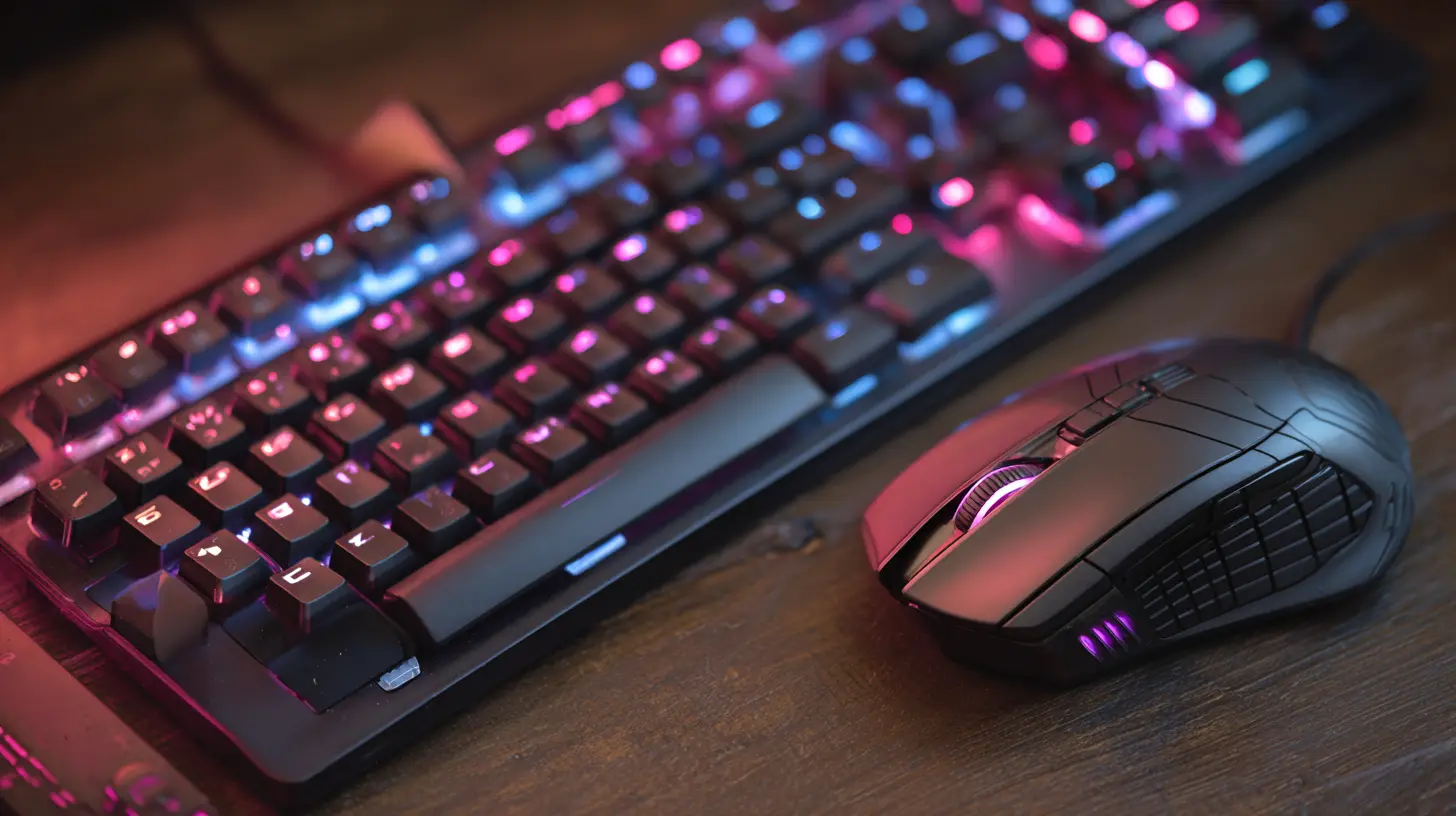
? Best Keyboard and Mouse Combo for Office Use: Logitech MX Keys + MX Master 3S
Comfort, meet productivity.If you're stuck at your desk hours on end writing reports or handling spreadsheets, this is your productivity dream team.
? Why It's Perfect for Office Warriors
- Sculpted for comfort — The MX Master 3S hugs your palm like it was made for it. The keyboard keys? They feel like soft, tactile clouds.- MagSpeed scrolling — Scroll 1,000 lines in a second. Yeah, it’s that wild.
- Multi-device support — Switch between your laptop, desktop, and tablet with just a click. It's like having a digital teleportation device for your mouse and keyboard.
This combo is so slick, you might accidentally start enjoying work (okay, maybe not—but almost).
? Best Portable Keyboard and Mouse Combo: Logitech K380 + Pebble M350
Minimalist vibes with maximum portability.Frequent flyer? Digital nomad? Just love working from your couch? You need something that’s light, compact, and fun to use.
? Why Travelers Can't Get Enough
- Ultra-compact — Easily fits in any laptop bag or even a large purse.- Bluetooth and multi-device — Switch from your phone to your tablet to your laptop with ease.
- Silent typing and clicking — Work from a café without annoying everyone (or yourself).
This combo is like the Swiss army knife of the mobile workspace.
? Best Budget Keyboard and Mouse Combo: Microsoft Wireless Desktop 850
Affordable, reliable, no-nonsense.Not everyone wants to drop $200 on a keyboard and mouse, and that’s totally fine. This set gets the job done without emptying your wallet.
? Why It’s A Great Deal
- Strong wireless signal — No stutter, no delays.- Security encryption — Surprisingly secure for the price.
- Durable and basic — It doesn’t have flashy lights, but it won’t break after three months either.
Perfect for students, casual users, or anyone who just needs something that works.
? Best Keyboard and Mouse Combo for Creatives: Apple Magic Keyboard + Magic Mouse 2
Form meets function in true Apple style.If you’re a designer, video editor, or part-time Photoshop wizard, this pair will feel like an extension of your creative brain.
? Why Creatives Adore It
- Sleek, low-profile design — Your workspace immediately looks cooler.- Multi-touch Magic Mouse — Swipe, scroll, and zoom like you’re flicking through pages of air. It’s magic. Literally.
- Perfect macOS integration — If you're team Apple, you’ll love how seamlessly everything works.
Not cheap, but then again, neither is Adobe Creative Cloud.
? Best Ergonomic Keyboard and Mouse Combo: Logitech Ergo K860 + MX Ergo
Your wrists will thank you.Typing and clicking all day doesn’t have to be painful. This combo is built for comfort and keeping your posture in check.
? Why It’s Built for Comfort
- Split keyboard design — Keeps your hands at a natural angle.- Padded palm rest — Like resting your hands on memory foam.
- Adjustable trackball mouse — Move the pointer without moving your arm. It’s almost sci-fi.
If you're dealing with carpal tunnel or just want to avoid it, this is your keyboard and mouse soulmates.
? Best Combo for Mac Users: Satechi Slim X1 Keyboard + Logitech MX Anywhere 3
Power-packed macOS compatibility.Mac users, we haven't forgotten you. Not everyone is enamored with Apple’s own peripherals (looking at you, charging port on the bottom of the Magic Mouse).
? Why Mac Users Love This Pair
- Mac layout keys — Including the Command key, of course.- USB-C charging — No more digging for AA batteries.
- Compact but capable — Small form without sacrificing quality.
Bonus points for looking gorgeous next to your MacBook or iMac.
?? Best Combo for Programmers: Keychron K2 + Logitech MX Master 3
Typing pleasure meets ruthless precision.If you’re a developer who spends hours staring at code, your tools should be as efficient as your scripts.
? Why Programmers Swear By This
- Mechanical typing satisfaction — The Keychron’s tactile response makes typing actual fun.- Cross-platform compatibility — Works seamlessly with Windows, macOS, and even Linux.
- Ergonomic and feature-packed mouse — Tons of programmable buttons for bash scripts or Git commands.
You’ll find yourself typing faster, coding better, and loving every line of it.
? What to Look for in a Keyboard and Mouse Combo
Still not sure which to choose? Let’s run through some key things to consider.✅ Connectivity
- Wired: Faster response, no batteries.- Wireless: Cleaner setup, better mobility.
✅ Ergonomics
If you're typing or clicking for more than 4 hours a day, ergonomics should be your top priority.✅ Build Quality
Longevity matters. A good keyboard/mouse should last several years, not just one.✅ Features
Think about:- Mechanical vs. membrane keys.
- RGB lighting (you know, for style points).
- Programmable buttons.
- Scroll wheel efficiency.
- Device-switching functionality.
✅ Compatibility
Make sure it plays nicely with your operating system. Some combos are designed specifically for Windows or macOS.? Which Combo is Right for You?
Like most things in tech, it really boils down to your needs.- Want something elite for gaming? → Go Logitech G Pro.
- Spending your life in spreadsheets? → MX Keys + Master 3S.
- Simple and budget-friendly? → Microsoft Wireless 850.
- Dealing with wrist pain? → Logitech Ergo K860 + MX Ergo.
Remember, your keyboard and mouse are where your digital life begins—choose wisely, and your fingers (and productivity) will thank you.
? Final Thoughts
Buying a keyboard and mouse combo might not sound all that glamorous, but it’s one of the simplest upgrades that can improve your workflow and comfort. Whether you're gaming, designing, coding, or just surfing the web, picking the right setup is like finding the perfect pair of shoes — you don’t realize how much they matter until you try something amazing.So, which one’s calling your name?
all images in this post were generated using AI tools
Category:
Tech AccessoriesAuthor:

Jerry Graham
Discussion
rate this article
2 comments
Kassidy McNeal
So you're telling me the secret to productivity is having the right keyboard and mouse combo? I guess I can finally blame my lack of focus on my old clunky gear instead of my Netflix habit. Who knew a good mouse could be the key to my success... or at least my snack breaks?
July 27, 2026 at 4:55 AM
Jerry Graham
Sometimes the right gear really can make a difference. A good keyboard and mouse can enhance focus and comfort, but let's not forget self-discipline... and maybe cut down on those snack breaks too!
Calder Hayes
Great read! Finding the right keyboard and mouse combo can truly enhance your tech experience. Happy typing!
May 30, 2026 at 4:20 AM
Jerry Graham
Thanks for your comment! I'm glad you enjoyed the article. Happy typing to you too!