How to Choose the Right Smart TV for Your Home Office
12 July 2026
Working from home has become the new normal for many, and as we adjust to this shift, the need for a well-equipped home office has never been more important. You’ve probably already set up your desk, ergonomic chair, and maybe even a fancy keyboard. But have you considered adding a Smart TV to your home office setup? It might seem like an unnecessary luxury, but trust me, it can be a real game-changer.
Whether you want to use it as a second monitor, for video conferences, or just for unwinding after a long day, a Smart TV can enhance your productivity as well as your leisure time. But before you rush out and buy the first flat screen you see, let's break down how to choose the right Smart TV for your home office.
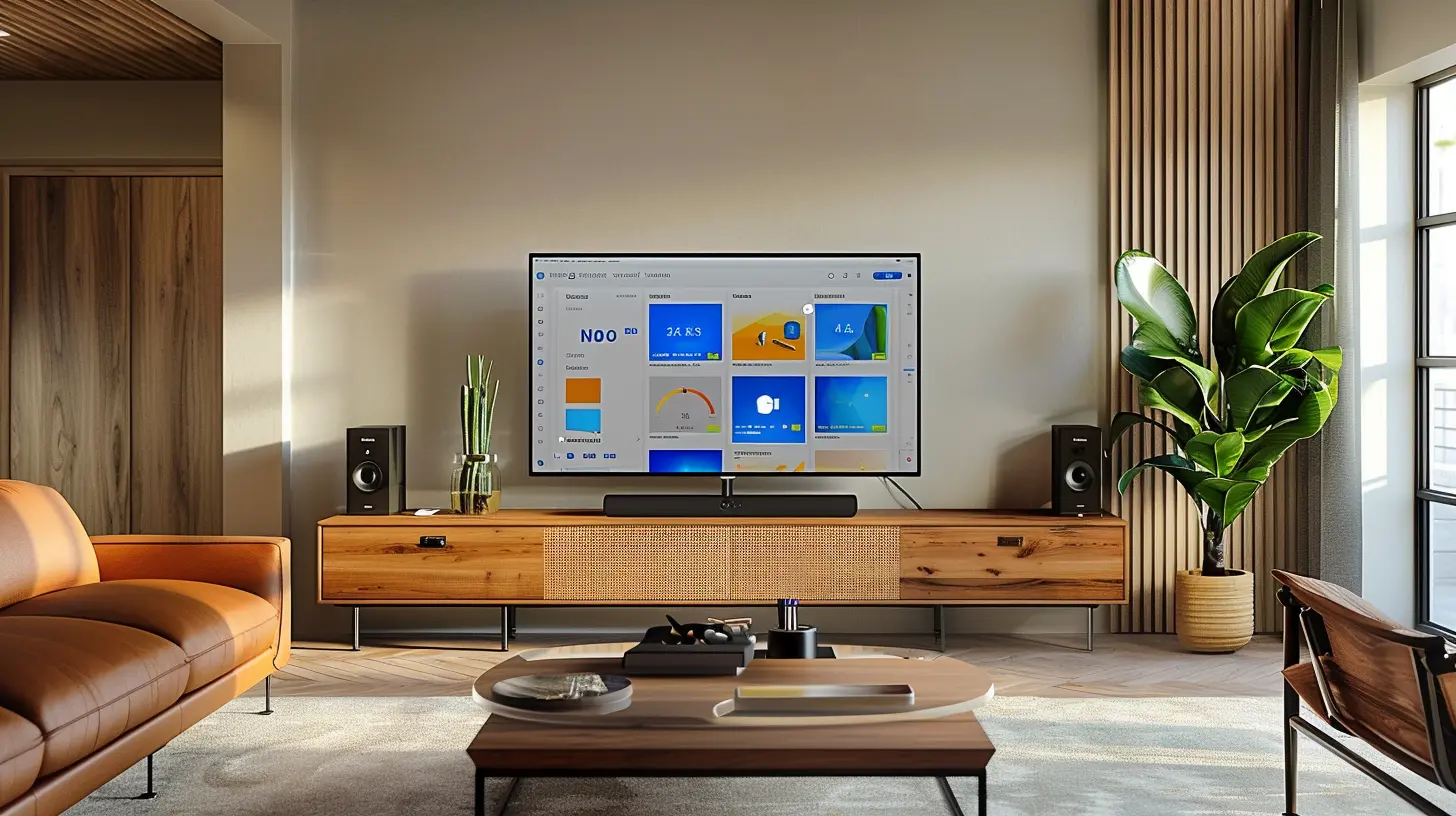
Why a Smart TV in Your Home Office?
Before we dive into the technical details, let’s talk about why you’d even want a Smart TV in your home office. First off, it’s not just a glorified monitor. A Smart TV brings a lot of flexibility to the table. You can switch between work and entertainment seamlessly. Need to join a Zoom meeting? Boom! Use the big screen for a more immersive experience. Want to cast your laptop to the TV for better visibility? Easy peasy.For multitaskers, a Smart TV is like an extra pair of hands. It can display your emails, project timelines, or even a calming nature video while you grind away on your laptop. And let’s not forget the after-hours benefits: Netflix, YouTube, or even some gaming. The possibilities are endless.

Key Factors to Consider When Choosing a Smart TV for a Home Office
So, how do you make sure you're picking the right Smart TV for your workspace? There are several factors you’ll want to keep in mind, from screen size to connectivity options. Let’s dig into each one.1. Screen Size: How Big Is Too Big?
When it comes to screen size, bigger isn’t always better—especially for a home office. You don’t want something that’s going to overwhelm your space or make you strain your neck. So, how do you decide?A good rule of thumb is to measure the distance between where you’ll be sitting and where you plan to place the TV. For example, if you’re sitting around 4 to 6 feet away, a 32-43 inch screen should do the trick. Anything larger, and you might find yourself craning your neck or feeling like you're in the front row of a movie theater (which is fun for movies, but not for work).
If you have a larger office or you plan to use the TV for presentations or as a secondary monitor, then you can go bigger—up to 55 inches or more. Just remember: it’s all about balance.
2. Resolution: 4K, 1080p, or 8K?
Resolution is another super important factor. It determines the clarity and sharpness of the image. For most home office setups, 4K resolution (3840 x 2160 pixels) is the sweet spot. It’s crystal clear, and you’ll appreciate the extra detail whether you’re working on spreadsheets, editing videos, or streaming a webinar.If you’re on a tighter budget, 1080p (Full HD) can be sufficient for general office tasks. However, if you’re working with high-res images, design software, or video editing, the extra pixels of a 4K TV will be worth the investment.
What about 8K? Honestly, 8K TVs are overkill for most home offices right now. Unless you’re into ultra-high-resolution video production or future-proofing your setup for the next decade, you can skip this one.
3. Smart TV Platform: Which One Is Easiest to Use?
Not all Smart TVs are created equal, especially when it comes to their operating system (OS). This is the interface you’ll navigate to access apps, settings, and controls. Here’s a quick breakdown of the most popular Smart TV platforms:- Roku: Simple, user-friendly, and supports thousands of apps. It's a great choice for non-tech-savvy users.
- Android TV (or Google TV): If you’re already invested in the Google ecosystem, this one makes sense. It has Google Assistant built-in and supports a wide range of apps.
- Apple TV: Perfect for those who love their Apple devices. It integrates well with your iPhone, Mac, and iCloud.
- Tizen (Samsung): Samsung’s proprietary OS is sleek, fast, and integrates well with Samsung phones and smart home devices.
- WebOS (LG): Offers a simple, intuitive interface with a good selection of apps.
Choosing the right platform boils down to what ecosystem you’re already invested in. If you’re all about Google, then Android TV is a no-brainer. If you’re an Apple fanatic, go for Apple TV. For simplicity, Roku is the way to go.
4. Refresh Rate: Does It Really Matter?
Refresh rate refers to how many times per second the display refreshes the image. Standard TVs come with a 60Hz refresh rate, which is fine for most tasks like watching videos or browsing the web.However, if you’re into gaming, video editing, or watching fast-paced content, you might want to look at TVs with a higher refresh rate, like 120Hz. This will give you smoother motion and reduce any blur. For most home office use cases, though, 60Hz should be perfectly fine.
5. Connectivity: What Ports Do You Need?
This one’s often overlooked, but it’s crucial. You’ll want to make sure your Smart TV has the right ports for your needs. Here are some key ones to look for:- HDMI ports: The more, the merrier! You’ll likely need at least two: one for your laptop and one for other devices (like a gaming console or streaming device). If you’re connecting multiple devices, consider a TV with three or more HDMI ports.
- USB ports: Useful for plugging in a flash drive or external storage.
- Ethernet port: If you want a more stable internet connection than Wi-Fi, this is important.
- Bluetooth: Great for connecting wireless peripherals like a keyboard, mouse, or even Bluetooth headphones.
Be sure to check that the Smart TV has enough ports and connections to meet your current and future needs.
6. Audio: Do You Need a Sound Upgrade?
Let’s be honest—most Smart TVs don’t have the best built-in speakers. If you’re using the TV for Zoom calls, webinars, or watching videos, you might want to consider upgrading the sound. You have a couple of options:- Soundbars: These are easy to install and significantly improve sound quality without taking up too much space. They’re also relatively affordable.
- External speakers: If you’re an audiophile or need high-quality audio for video editing, external speakers might be a better bet.
If you plan to rely on the TV’s built-in speakers, be sure to check user reviews for sound quality. Some TVs do offer decent sound, but it’s usually not their strongest feature.
7. Price: What’s Your Budget?
Of course, we can’t ignore the budget. Smart TVs come in a wide range of prices, from a few hundred bucks to several thousand. But don’t worry—you don’t have to break the bank to get a decent one for your home office.For a solid 4K Smart TV with good connectivity and features, expect to spend between $300 and $700. If you want top-tier options like OLED displays or ultra-high refresh rates, prices can go up from there.
Remember, more expensive doesn’t always mean better for your needs. Focus on getting the features that will enhance your work-from-home experience without overspending on things you won’t use.
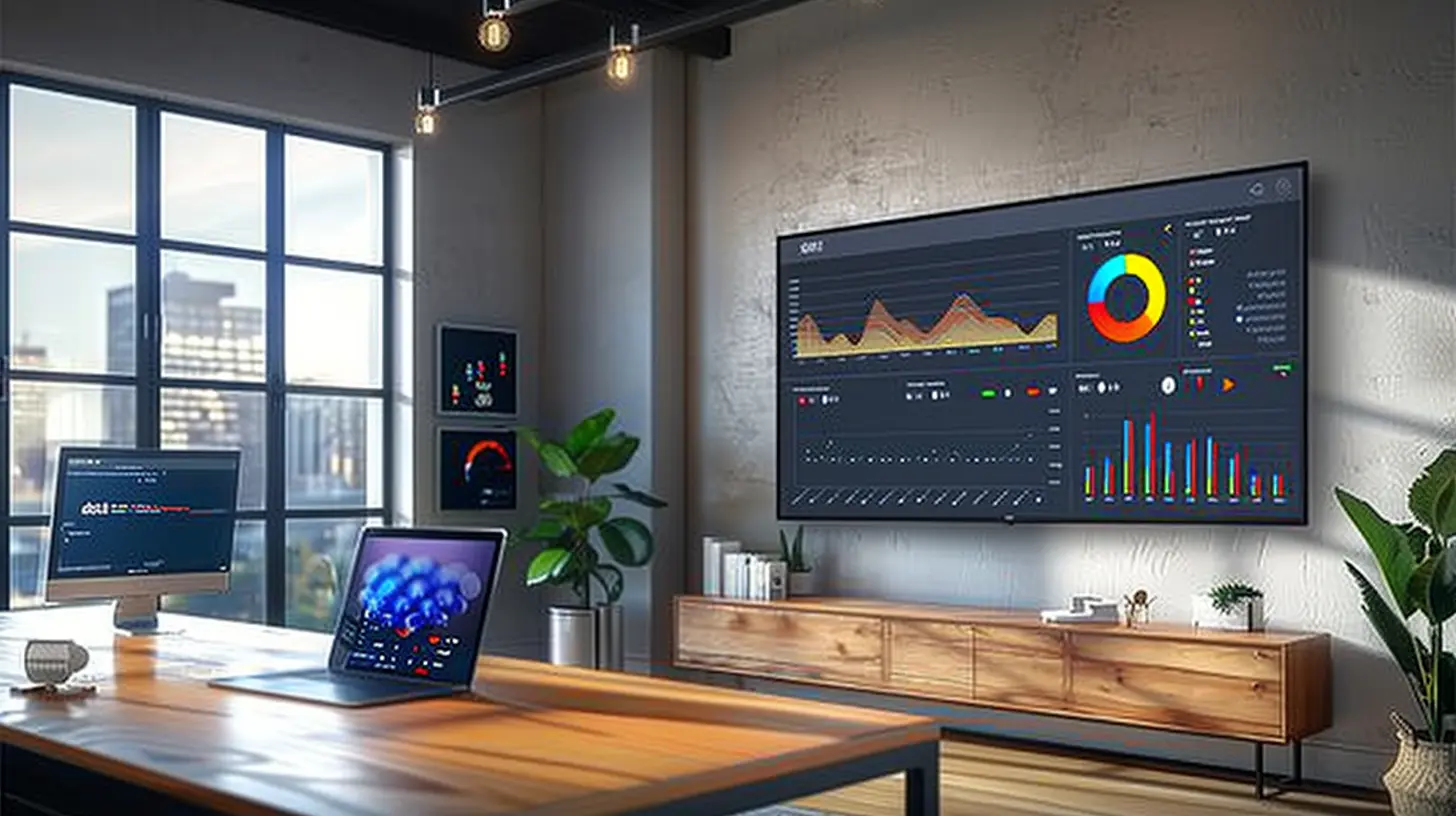
Bonus Considerations
Wall Mount vs. Stand
Do you plan to mount the TV on the wall, or will it sit on a desk or TV stand? Wall mounting can save space and give your home office a cleaner look, but you’ll need to ensure you have the right mounting bracket and that the TV is compatible.On the other hand, if you’re going for a desk setup, make sure the TV stand isn’t too bulky or intrusive. Some TVs come with sleek, minimalist stands that won’t dominate your desk space.
Smart Home Integration
If you’re turning your home office into a smart hub, consider how well the TV integrates with your other smart devices. Can you control it using your smart assistant (like Alexa, Google Assistant, or Siri)? Can it sync with your smart lighting or thermostat? Some Smart TVs even come with voice-activated features that can add an extra layer of convenience to your day.
Conclusion: The Right Smart TV Can Elevate Your Home Office
Choosing the right Smart TV for your home office is more than just picking a screen that looks good. It’s about finding a device that enhances your work experience while offering a bit of fun when the day is done. Think about your space, your work habits, and your tech preferences, and you’ll land on the perfect Smart TV to fit your needs.Whether it's for Zoom meetings, as a second monitor, or just for Netflix after 5 PM, a Smart TV can bring a whole new level of versatility to your home office setup. So, go ahead—measure your space, set your budget, and start shopping!
all images in this post were generated using AI tools
Category:
Smart TvsAuthor:

Jerry Graham
Discussion
rate this article
1 comments
Callisto Alexander
Consider screen size and resolution for optimal productivity.
July 12, 2026 at 4:32 AM
Jerry Graham
Absolutely, a larger screen with high resolution can make a big difference in productivity by allowing for better multitasking and clearer visuals.