How to Automate Your Home Office for Productivity
24 May 2026
Let’s be honest: working from home is great... until it isn’t. Remember when you thought you'd be sipping lattes and crushing to-dos from the comfort of your couch? Fast forward to now — your back hurts, your desk looks like it survived a tornado, and your productivity is somewhere between Netflix marathons and five-hour YouTube rabbit holes.
But guess what? Automation might just be your new caffeinated BFF.
In this cheeky guide, I’m going to walk you through how to automate your home office so you can stop yelling at your Wi-Fi, start bossing your to-do list, and make your workspace feel like it belongs in a sci-fi movie — minus the robots taking over humanity part.

Why Automate Your Home Office? (Besides Working Smarter, Not Sobbier)
First things first — why even bother automating your home office? I mean, is it really that deep?Short answer: Yes. Long answer: YESSSSSSSSS. Because automation isn’t just about getting fancy tech toys. It’s about creating a space that works for you, even when you’ve mentally checked out and started writing your resignation letter in Comic Sans.
Automation helps you:
- Save time by letting tech do the boring stuff.
- Focus better with fewer distractions (aka that one tab you swore was “research”).
- Optimize lighting, temperature, and even background noise to help your brain stay in “get stuff done” mode.
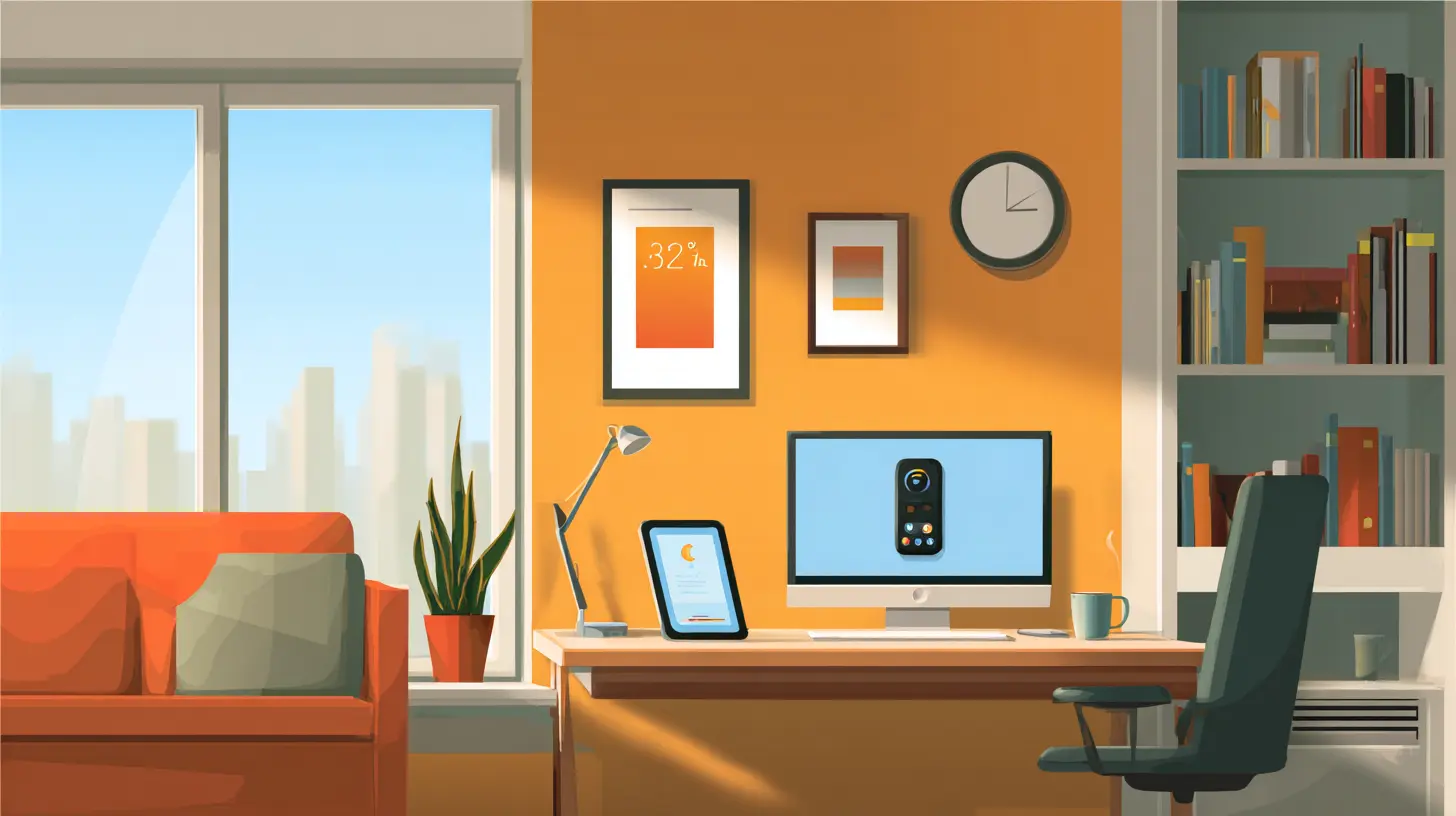
Step 1: Embrace Your Inner Control Freak (with Smart Assistants)
Let’s kick things off with the hub of your home office automation: the smart assistant. You know, that AI voice that somehow knows more about your schedule than you do.- Alexa, Siri, or Google Assistant? Pick your poison. Just make sure your devices play nice with each other.
- Use voice commands to set timers, create calendar events, control lights, or even play your "deep focus" playlist (aka that lo-fi mix with 17 million views).
Now, instead of fumbling to find your phone during a Zoom call, you can just yell into the void and let your robotic butler handle it.

Step 2: Light It Up (Without Blinding Yourself)
Let’s talk lighting. Because nothing says “I’m thriving” like warm, natural lighting at 10 AM instead of squinting into a flickering desk lamp from 2003.Automate with Smart Lights
- Set up smart bulbs (Philips Hue, LIFX, etc.) that adjust color temperature based on the time of day.- Schedule them to switch on when your workday starts and fade out when it’s time to wind down (yes, time off is a thing).
- Use motion sensors so lights only turn on when you're in the room—because, honestly, your electric bill isn't a charity case.
Bonus: Want to feel fancy? Set your lights to glow a soft red when you’re in a meeting. It’s productivity and flair.
Step 3: Destroy Distractions with Do-Not-Disturb Modes
Imagine trying to stay productive while your phone buzzes every 10 seconds. Spoiler: you won’t.Use Automation for Digital Focus
- Set your phone and computer to automatically switch to DND during work hours.- Use apps like IFTTT and Zapier to connect your calendar with your phone status — voila, instant peace.
- Mute specific notifications (looking at you, “Your screen time was up 73% last week”) and block access to addictive websites during deep work periods.
Because the only drama you need during the day should come from your Slack channel, not TikTok.
Step 4: Automate Coffee. Yes, Seriously.
No productivity hack works if you’re running on empty. Enter: the smart coffee maker.Brew Like a Boss
- Use a smart plug to automate your regular coffee maker — schedule it to start brewing five minutes before you roll out of bed.- Go big with machines like Keurig K-Supreme or Smarter Coffee, which you can control via voice or app.
- Bonus: Some machines even sync with your calendar. Because coffee should arrive before your boss does.
Suddenly, you’re not just caffeinated — you’re living in the future.
Step 5: Get Comfortable — Automatically
Being productive while physically uncomfortable is like trying to run in flip-flops. Let’s fix that.Smart Thermostat
- A smart thermostat (Nest, Ecobee, etc.) can keep your office at the perfect temperature all day.- Set it to cool down your workspace when you’re on a roll or warm it up when you’re feeling sluggish.
- Bonus: It saves energy, which means you’ll have more money for overpriced planners you’ll never use.
Smart Desk Setup
- Height-adjustable desks with programmable memory settings? Yes, please.- Pair that with a smart chair (yes, that’s a thing now) that tracks your posture and reminds you to sit up before you morph into a human shrimp.
Step 6: Automate Your Workflow (Finally Do the Things)
Let’s move on from gadgets and talk about what actually makes you productive: doing the dang work.Use Task Automation Tools
- Zapier: Connects your favorite apps and automates repetitive tasks. For example, save email attachments to Google Drive automagically.- IFTTT: Sets up triggers like “If I click a Trello card as ‘done,’ automatically stop the time tracker.”
- Notion + Google Calendar: Sync your planning tools so you don’t double-book yourself like a maverick.
Email Automation
- Create templates for your most-used responses (because yes, we’re all replying “per my last email” at least three times a day).- Use filters and labels to sort your inbox automatically. Because staring into a sea of unread emails is a productivity killer.
You’re too creative and awesome to be wasting braincells on digital paperwork. Let the bots handle it.
Step 7: Sound Like a Genius with Smart Audio
Who needs an office when you’ve got the perfect productivity soundtrack?- Use smart speakers (like Sonos or Echo) to play concentration-boosting tunes.
- Automate your playlists based on time of day: classical in the morning, ambient rain in the afternoon, and 90s bangers for your victory dance.
- Add noise-canceling abilities with smart headphones that auto-adjust based on ambient noise. Peace ✌️.
You’ll sound great — even if you’re just arguing with yourself about which font to use on your presentation.
Step 8: Security Like a Spy Movie
You might not be Tom Cruise, but your home office deserves next-level protection.- Install smart cameras or door sensors that send you notifications if something moves where it shouldn’t.
- Use smart locks to keep your workspace secure (especially if you have little humans who think your desk is craft central).
- Set routines: When you “end” your workday, your system locks doors, turns off lights, and powers down devices. Mission complete.
Step 9: Automate Your End-of-Day Routine (Because You're Not a Robot)
Here’s a big one: knowing when to stop working.Create a Shut-Down Ritual
- Use smart lights to dim slowly around 6 PM.- Play calming music or fire up your meditation app with a voice command.
- Set your devices to transition from “Work Mode” to “Chill Mode.” That means off with Slack notifications, on with Netflix.
Because guess what? Burnout isn’t productive, and “#hustle” culture can take a seat.
Bonus Tips for the Overachievers ?
Still here? You legend. Let’s add some sprinkles on top of your automated sundae.- Automate backups of your documents to multiple cloud providers. Because no one wants to explain to their boss that Fido ate their laptop.
- Use productivity analytics tools like RescueTime to track where your work hours really go. (Spoiler: probably not emails.)
- Voice-to-text tools can help turn your ramblings into meeting notes. Finally, your genius thoughts during lunch won’t be wasted.
Final Thoughts: Automation Isn’t Laziness, It’s Strategy
Relying on tech to help run your home office isn’t cheating — it’s working smarter. Automation lets you focus on what actually matters: thinking, creating, building, and maybe even enjoying your job again. Imagine that!So go ahead — boss your space. Set up that smart speaker, program your lights, and let your coffee machine brew joy while you're still in bed. Because it's not just about cutting corners; it's about cutting out the chaos.
I won’t say your boss will be impressed — but they’ll definitely be jealous when you show up to Monday’s Zoom meeting fresh, focused, and low-key glowing like a productivity wizard.
all images in this post were generated using AI tools
Category:
Home AutomationAuthor:

Jerry Graham
Discussion
rate this article
2 comments
Nadia McHugh
Great article! Automating your home office can really boost productivity. I especially liked the tips on smart lighting and task scheduling. Excited to try these ideas out for myself!
July 25, 2026 at 4:21 AM
Jerry Graham
Thank you! I'm glad you found the tips helpful. Enjoy automating your space!
Harper Carrillo
Great tips! Automating lighting and scheduling can significantly boost focus and streamline your home office tasks.
May 24, 2026 at 11:29 AM
Jerry Graham
Thanks! I'm glad you found the tips helpful. Automating can really make a difference in productivity.