The Importance of Unified Dashboards in Distributed Workforces
12 November 2026
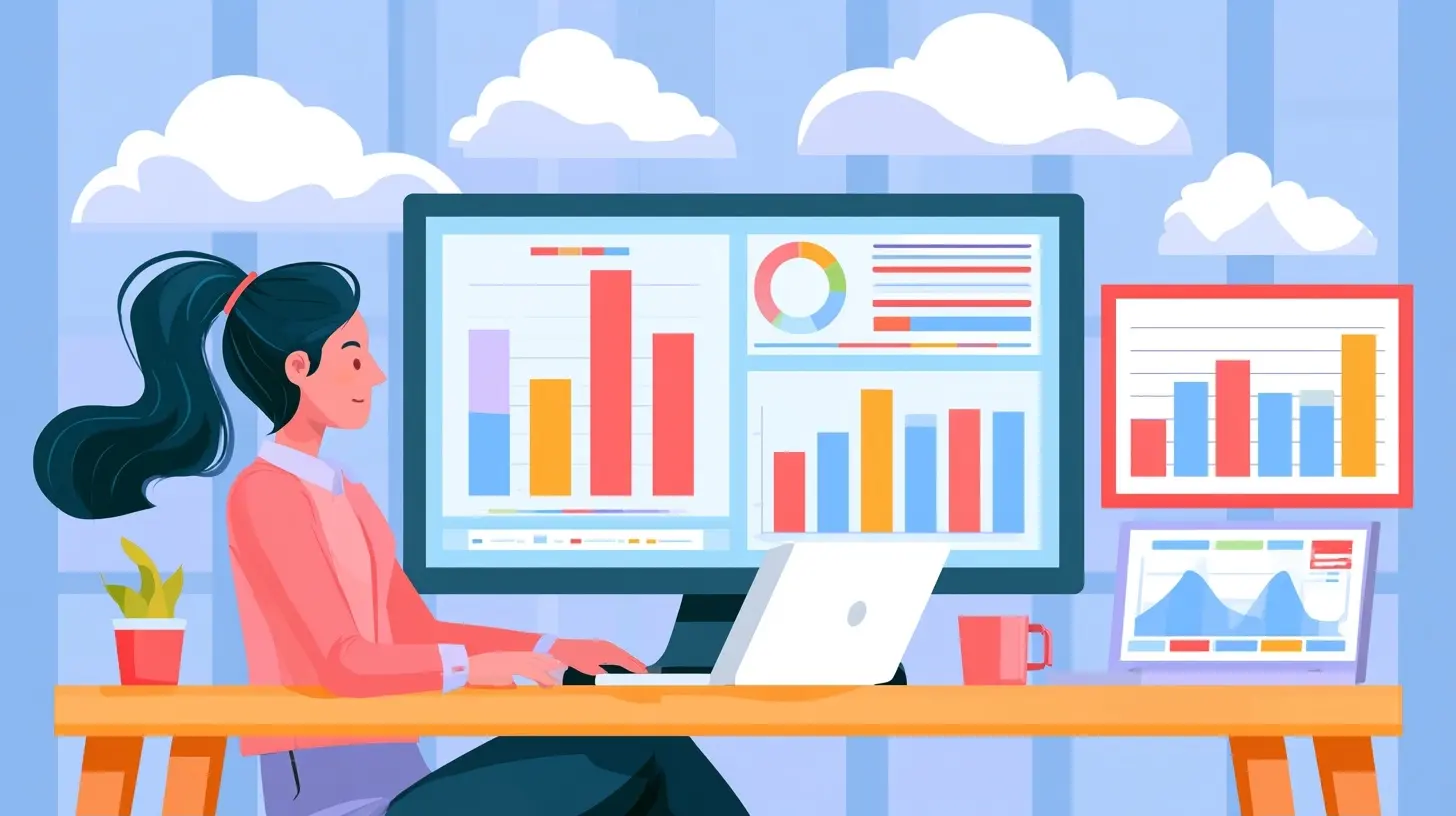
In today's fast-paced and increasingly digital world, the concept of a distributed workforce has gained significant traction. Companies are embracing remote work models, enabling employees to operate from various locations. While this shift offers flexibility and access to a broader talent pool, it also presents unique challenges in managing and analyzing team performance, productivity, and collaboration. This is where the importance of unified dashboards comes into play. A unified dashboard serves as a centralized hub for data visualization, providing insights that can drive decisions and foster collaboration among distributed teams.
Understanding Unified Dashboards
What is a Unified Dashboard?
A unified dashboard is a visual interface that aggregates data from various sources and presents it in a coherent format. It allows users to monitor key performance indicators (KPIs), metrics, and other critical information in real time. This dashboard can incorporate data from different departments, tools, and systems, providing a holistic view of organizational performance.Why Use a Unified Dashboard?
Unified dashboards facilitate data-driven decision-making. Without a centralized view, teams may rely on disparate sources, leading to inconsistencies and misinterpretations. A single dashboard fosters transparency, enabling team members to work from the same set of data and insights, which is particularly vital when collaboration is essential.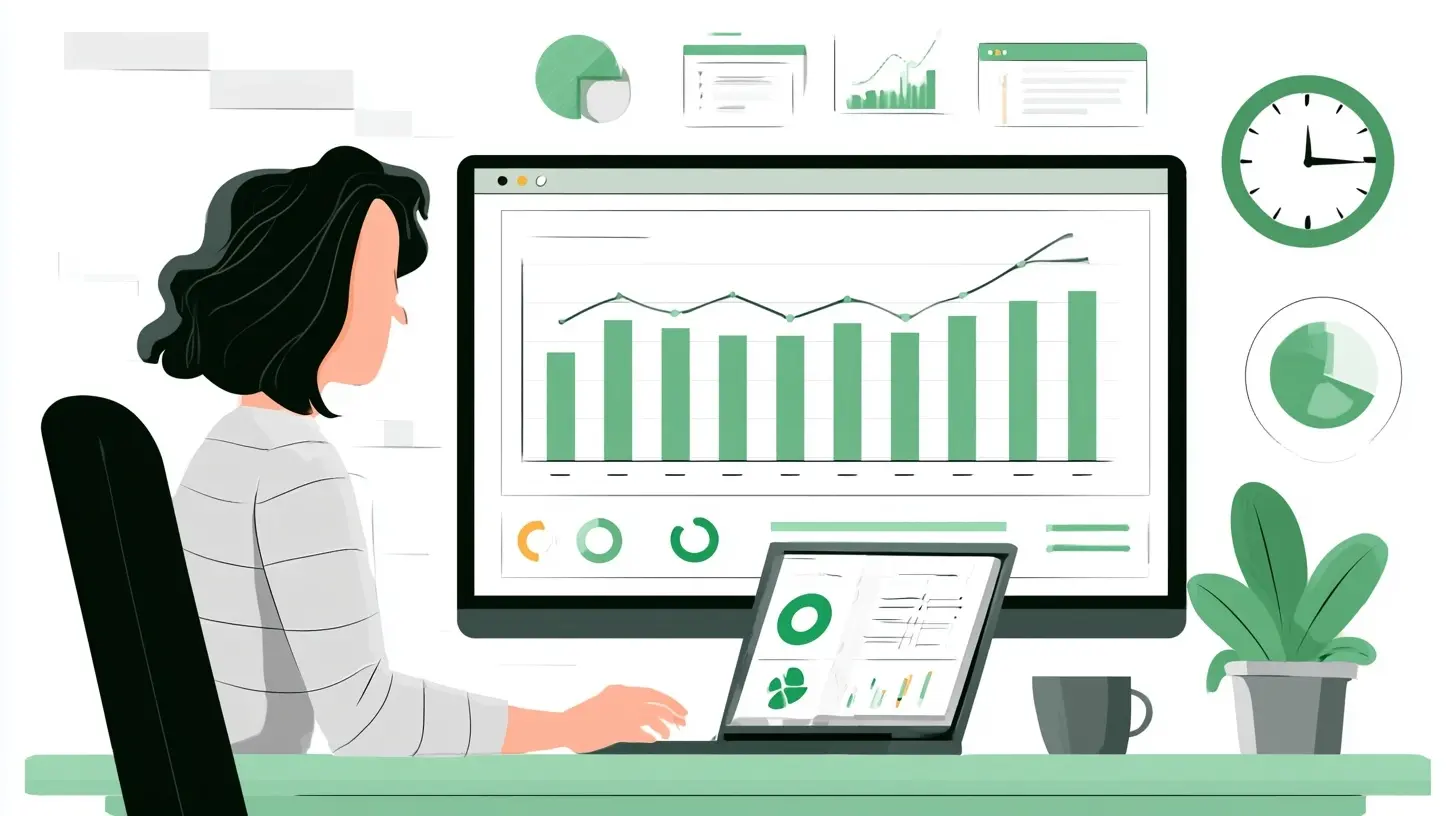
The Benefits of Unified Dashboards in Distributed Workforces
Enhanced Collaboration
In a distributed workforce, team members may feel isolated and disconnected. A unified dashboard can bridge this gap by providing a shared view of progress and objectives. For instance, a sales team spread across different regions can use a unified dashboard to track leads, conversions, and revenue in real time. This visibility encourages collaboration as team members can discuss strategies and share insights based on the same data.Improved Decision-Making
With access to relevant data at their fingertips, managers can make informed decisions quickly. For example, a product development team can use a unified dashboard to monitor user feedback, performance metrics, and project timelines simultaneously. This immediate access to data allows them to pivot strategies or address issues proactively rather than reactively.Accountability and Performance Tracking
Unified dashboards promote accountability among team members. By visualizing individual and team performance metrics, employees can see how their contributions align with organizational goals. This transparency can motivate team members to meet their targets. For instance, a marketing team can track campaign performance metrics on a unified dashboard, encouraging team members to strive for higher engagement and conversion rates.Data Consistency and Accuracy
A common pitfall in distributed teams is the variation in data sources and reporting methods. Unified dashboards eliminate these inconsistencies by pulling data from trusted sources and presenting it uniformly. This reduces the chances of errors and ensures that everyone is using the same data to guide their actions. The accuracy of data fosters trust in the dashboard, encouraging teams to rely on it for their decision-making processes.
Key Features of Effective Unified Dashboards
When implementing a unified dashboard, it is essential to consider several key features that enhance its effectiveness.Real-Time Data Integration
One of the most critical elements of a unified dashboard is its ability to integrate data in real time. Teams should be able to see updates as they occur, which is crucial for fast-paced environments. For example, customer service teams can benefit from real-time data on ticket resolution times, enabling them to respond more effectively to customer inquiries.Customization and Personalization
Not all users will require the same information. A good unified dashboard allows for customization, enabling users to tailor what metrics they see based on their roles. For instance, a financial analyst might want to focus on budgetary metrics, while a project manager might prioritize timeline tracking. This personalization increases user engagement and ensures that individuals focus on the most relevant information.User-Friendly Interface
A unified dashboard should be intuitive and easy to navigate. Complex data visualizations can overwhelm users, so clarity and simplicity are essential. Graphs, charts, and tables should be designed to convey information quickly and effectively. Consider the example of an HR team tracking employee engagement; a straightforward dashboard with clear visual indicators of engagement levels can quickly highlight areas needing attention.Accessibility and Mobile Compatibility
With distributed workforces, team members may not always have access to a desktop computer. A unified dashboard should be accessible across various devices, including smartphones and tablets. Mobile compatibility ensures that team members can engage with critical data anytime, anywhere, enhancing flexibility and responsiveness.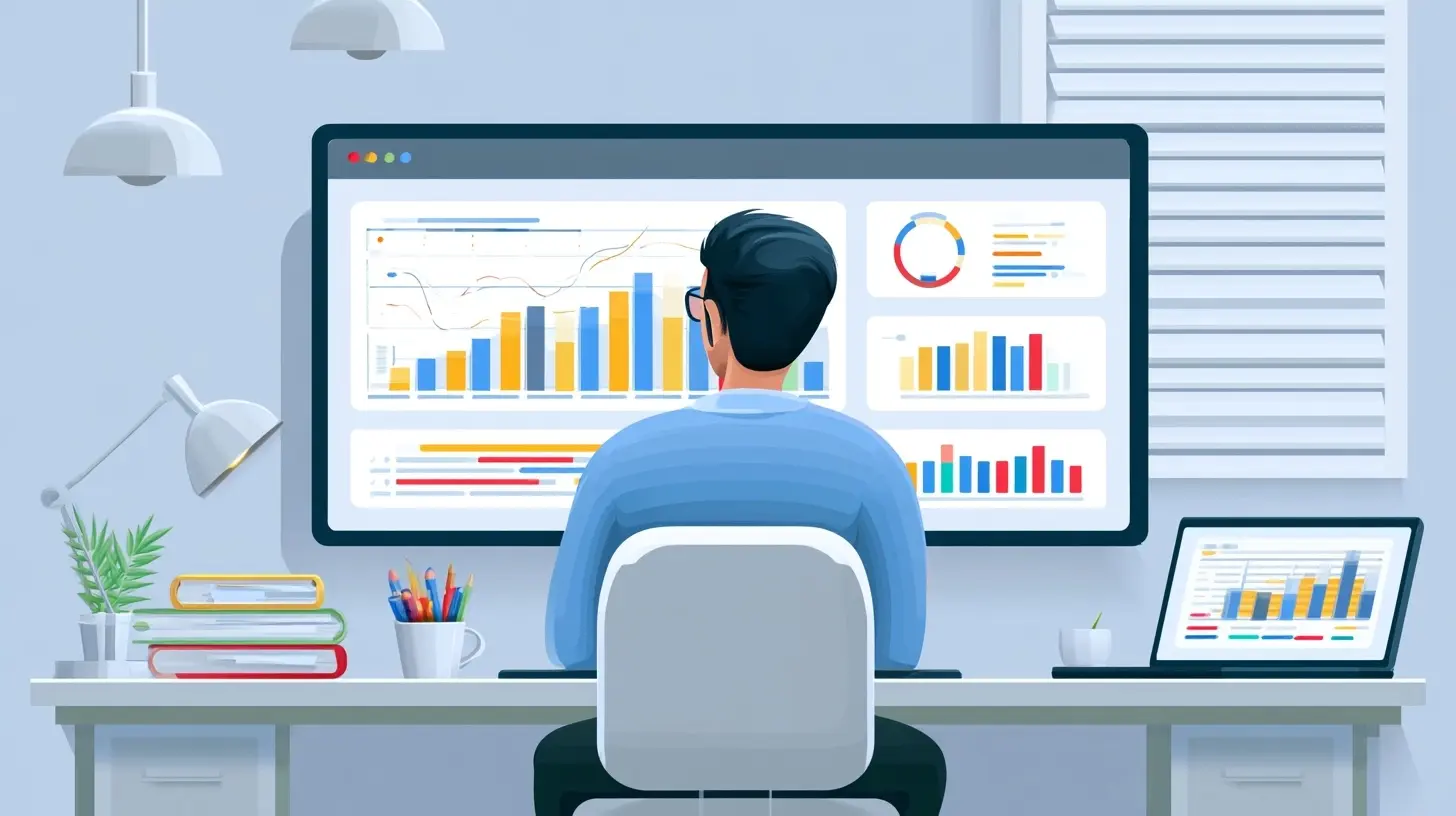
Common Mistakes to Avoid
Overcomplicating the Dashboard
One of the most frequent mistakes when creating a unified dashboard is cluttering it with too much information. While it may be tempting to showcase every metric, this can lead to confusion. Prioritize essential KPIs that align with your team's goals and avoid unnecessary data that can detract from the main message.Neglecting User Training
Even the best dashboard is ineffective if users do not know how to utilize it. Providing adequate training on how to navigate and interpret the dashboard is crucial. Consider hosting workshops or creating instructional materials to help users understand how to leverage the dashboard effectively.Ignoring User Feedback
A dashboard is not a one-size-fits-all solution. Regularly soliciting feedback from users can help identify areas for improvement. Adaptability is key; as the needs of the organization evolve, so should the dashboard.Best Practices for Implementing Unified Dashboards
Define Clear Objectives
Before implementing a unified dashboard, clearly define the objectives you aim to achieve. Understanding the specific problems you want to solve will guide the design and functionality of the dashboard. Whether your goal is to enhance team collaboration, improve decision-making, or increase accountability, having a clear focus will lead to a more effective implementation.Choose the Right Tools
Selecting the appropriate tools for your unified dashboard is essential. Consider factors such as integration capabilities, user interface, and customization options. Popular tools like Tableau, Power BI, or Google Data Studio offer various features that may align with your organizational needs. Conducting a thorough comparison can help you find the best fit.Involve Stakeholders
When designing a unified dashboard, involve key stakeholders from various departments. Their insights can provide valuable perspectives on what metrics are most relevant and how the dashboard can be structured to serve diverse needs. This collaborative approach fosters buy-in and ensures that the dashboard addresses the needs of all users.Regularly Review and Update
The data landscape is ever-changing, and so are organizational goals. Regularly review the dashboard to ensure it remains relevant and aligns with current objectives. Setting a schedule to evaluate and update the dashboard can help maintain its effectiveness over time.
Real-World Examples
Remote Sales Teams
Consider a global sales team at a software company. They use a unified dashboard to track sales performance across different regions. The dashboard pulls data from various CRM systems, providing a real-time view of sales figures and lead conversions. This visibility allows team leaders to identify high-performing regions and replicate successful strategies in underperforming areas. sales reps can see how they compare to their peers, motivating them to improve their performance.Distributed Marketing Teams
A marketing agency with team members spread across different locations relies on a unified dashboard to monitor campaign performance. The dashboard integrates data from social media platforms, email marketing tools, and Google Analytics. By centralizing this information, the agency can quickly assess which campaigns are driving engagement and adjust strategies accordingly. This real-time feedback loop fosters agility and collaboration among team members, enabling them to work cohesively towards common goals.Conclusion
Unified dashboards are essential tools for managing distributed workforces effectively. They enhance collaboration, improve decision-making, and provide accountability by offering a centralized view of critical data. However, to maximize their potential, organizations must prioritize user experience, involve stakeholders in the design process, and remain adaptable to changing needs. By embracing these best practices, companies can harness the power of unified dashboards to drive performance and foster a cohesive distributed workforce.
all images in this post were generated using AI tools
Category:
Remote Work ToolsAuthor:

Jerry Graham