Smart TVs for Families: Parental Controls and Kid-Friendly Features
13 March 2026
In today's connected world, smart TVs have become a staple in many households. But as much as we love the convenience and entertainment they bring, there's always that nagging concern about what our kids might stumble upon while browsing. Whether it’s inappropriate content, excessive screen time, or just the worry of them purchasing apps without permission, managing what our children watch is a top priority for many parents.
Thankfully, smart TVs have evolved to include features that can help families create a safer, more controlled viewing environment. From parental controls to kid-friendly apps, these TVs are designed to offer more than just high-definition entertainment—they're here to give us peace of mind. Let’s dive into the key parental controls and kid-friendly features that make smart TVs a great choice for households with little ones.
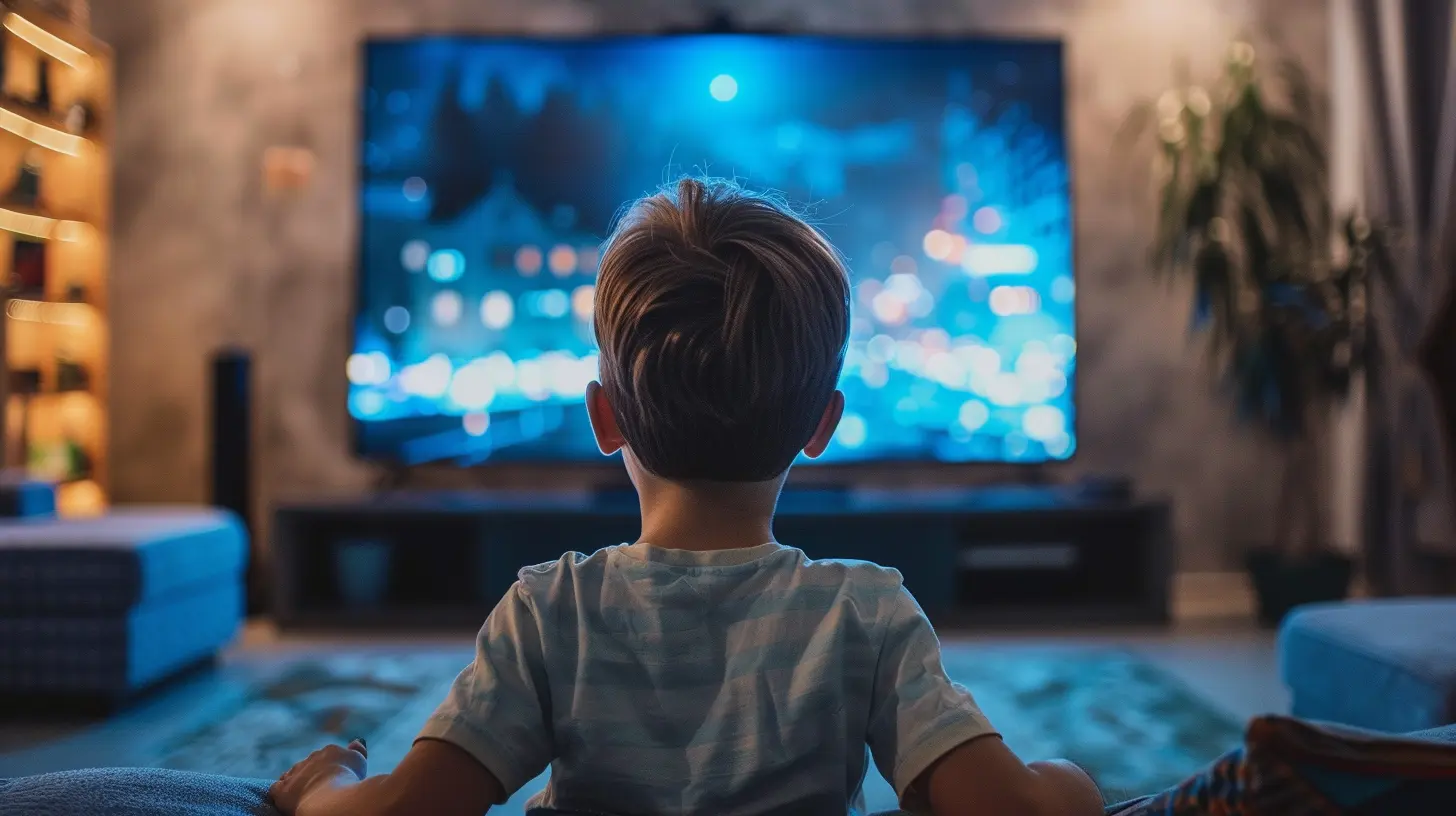
Why Parental Controls Matter on Smart TVs
First things first: why are parental controls even a big deal? Well, if you’ve ever caught your child watching something wildly inappropriate (thanks, auto-play), you know the answer to this already.Smart TVs are like open windows to the internet; they can access streaming services, YouTube, gaming platforms, and even social media apps. And while these can be great for educational content and entertainment, they also have a dark side—content that’s not meant for young eyes.
Parental controls are there to act as a security gate. They’re the virtual "lock" on your kid’s TV access, making sure that they only see what’s suitable for them. It’s not just about blocking mature content but also about giving you control over how much time your kids spend in front of the screen. And let’s be real—sometimes we all need a little help keeping those binge-watching sessions under control.
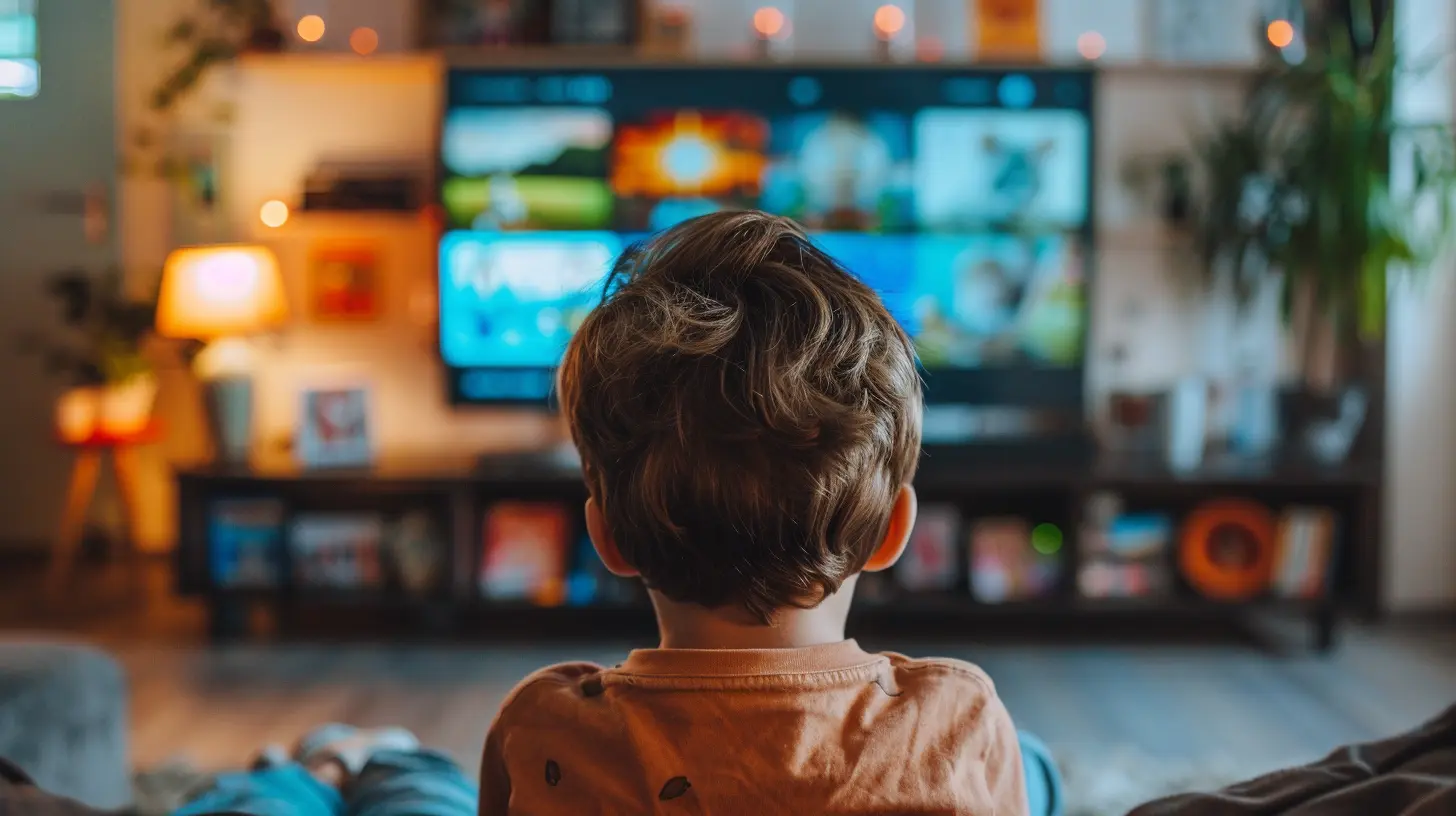
Common Parental Control Features on Smart TVs
Not all smart TVs are created equal when it comes to parental controls. But most modern models offer several key features that can help you manage what your kids are watching. Here are some of the most common ones to look out for:1. Content Filtering
This is probably the most important feature for any parent. You can block shows, movies, and apps based on their ratings (G, PG, PG-13, etc.). Most smart TVs will let you set up profiles for each family member, so your kids will only have access to age-appropriate content while you can still enjoy your late-night thrillers.2. Time Limits
Ever had trouble getting your kid off the couch after a lengthy TV session? Yep, we’ve all been there. With time limit controls, you can set specific viewing times for your kids. Whether it’s a two-hour limit on weekdays or unlimited access on weekends (hey, no judgment), these controls give you the power to decide what’s best for your family.3. App and Website Blocking
Some smart TVs come with built-in browsers or let you download apps from a marketplace. But let’s face it, not every app is designed with children in mind. Parental controls can help you block specific apps or prevent the installation of new ones without your approval. This feature is essential for keeping your kids away from social media or other unsuitable platforms.4. Password Protection
You don’t want your kids turning off the parental controls you’ve set up, right? Password protection ensures that only you can make changes to the settings. It’s like putting a lock on the "control room" of your TV. Without the password, no changes can be made to the viewing restrictions, so your setup stays secure.5. Viewing History
Sometimes, you need to know what your kids were watching while you were busy. A viewing history feature allows you to see exactly what content has been played on the TV. This can be a good way to monitor their habits and reinforce positive viewing choices.
Kid-Friendly Features on Smart TVs
Beyond parental controls, many smart TVs now come with built-in features that are designed to make the TV experience more enjoyable and educational for children. These features are perfect for families who want to offer their kids a balanced mix of fun and learning. Here are some of the top kid-friendly features to look out for:1. Dedicated Kids' Mode
Many smart TVs or streaming services come with a dedicated "Kids' Mode." This is a separate section where all the content available is curated specifically for young viewers. Think of it as a virtual playground where everything is safe and fun. Popular streaming services like Netflix, Disney+, and YouTube Kids offer this feature, ensuring that your little ones don’t stray into adult content.2. Educational Apps and Channels
Smart TVs often come pre-loaded with educational apps or give you the option to download them. Platforms like PBS Kids, National Geographic Kids, and even Khan Academy offer a range of educational content. These apps provide a great way to turn screen time into learning time. So, while your kids think they’re just watching TV, they’re actually learning new skills or facts.3. Voice Control
This one’s a game-changer—especially if you have younger kids who aren’t great at navigating menus yet. Many smart TVs now come with voice control options that let users search for shows just by speaking into the remote. This feature is intuitive and easy for kids to use, allowing them to find their favorite cartoons or shows without needing your help every five minutes.4. Interactive Learning Games
Some smart TVs support downloadable games that are both entertaining and educational. These interactive games can teach everything from basic math skills to critical thinking and problem-solving. They’re a far cry from mindless video games, offering a productive way for kids to engage with the TV.5. Customizable User Profiles
We all have our own preferences when it comes to TV, and your kids are no different. Many smart TVs allow you to set up multiple user profiles, each with its own set of preferences and recommendations. For children, these profiles can focus on age-appropriate shows and movies. Plus, the more they watch, the better the TV becomes at recommending content they’ll enjoy.
The Role of Streaming Services in Parental Controls
While the smart TV itself offers various controls, a lot of the heavy lifting is done by the streaming services you use. Almost all major streaming platforms have their own parental control settings, and the good news is that these usually sync with the settings on your TV. Let’s take a closer look at how some of the popular services handle parental controls:1. Netflix
Netflix makes it easy to create kid-specific profiles with content restrictions based on age. You can also lock adult profiles with a PIN, preventing kids from switching over to your account. The service also allows you to block specific titles—so if there’s a show or movie you don’t want your child to see, even if it’s technically age-appropriate, you can block it.2. Disney+
Disney+ is a parent’s dream when it comes to kid-friendly content. The platform already focuses on family-friendly entertainment, but it also offers the option to set up kids' profiles. These profiles only show content that’s rated G or PG, ensuring your little ones won’t stumble upon anything too mature.3. YouTube Kids
YouTube can be a wild place, but YouTube Kids offers a walled garden of safe content. It’s a standalone app that’s designed for children, with videos and channels tailored to their age group. You also have the ability to block specific videos or channels and set time limits.4. Amazon Prime Video
Amazon Prime Video also offers the option to create a kids’ profile, where you can set restrictions based on age ratings. You can also set up a PIN to make sure nothing inappropriate can be purchased or watched without your approval.Tips for Choosing the Best Smart TV for Families
When shopping for a smart TV, the first thing you’ll probably notice is the sheer number of options. So how do you choose the right one for your family? Here are a few tips to keep in mind:1. Check the Parental Controls
Not all smart TVs offer the same level of parental control. Be sure to look for models that let you filter content, set time limits, and block apps. You should also ensure that these settings are easy to access and modify.2. Consider the Operating System
Different smart TVs use different operating systems, from Roku to Google TV to Tizen. Some are more user-friendly and offer better parental control features than others. Read reviews and do your research to see which system will work best for your family.3. Think About Kid-Friendly Features
Look for TVs with dedicated kids' modes, educational apps, and voice control. These features can make your life easier and provide your children with a safer, more enjoyable experience.4. Screen Size and Resolution
While this doesn’t have much to do with parental controls, it’s still important! Make sure the TV you choose is the right size for your room and offers a resolution that’s good for watching both animated content and live-action shows.
Conclusion: Smart TVs Are a Family's Best Friend
Smart TVs have come a long way from the days of simply flipping through channels. Today, they offer parents more control and peace of mind when it comes to what their kids are watching. From robust parental controls to kid-friendly features, these devices are designed to create a safer, more enjoyable viewing experience for the entire family.So, the next time you're in the market for a new TV, don’t just focus on resolution and sound quality. Take into consideration how the TV can help you manage your family’s entertainment safely. After all, family-friendly tech should be just as enjoyable for parents as it is for kids, right?
all images in this post were generated using AI tools
Category:
Smart TvsAuthor:

Jerry Graham
Discussion
rate this article
2 comments
Kalani Henson
Smart TVs enhance family viewing with robust parental controls and kid-friendly features, fostering safer entertainment while promoting responsible screen time management.
March 16, 2026 at 4:22 AM
Jerry Graham
I appreciate your insight. Smart TVs really do make it easier for families to enjoy content together while keeping kids safe. Responsible screen time is key.
Hazel Pratt
“Finally, a TV that can babysit better than I do—thank you, tech!”
March 13, 2026 at 1:17 PM
Jerry Graham
Glad you found it helpful! Smart TVs can definitely make parenting a bit easier.