Smart TV vs Streaming Devices: Which Offers a Better Experience?
14 June 2026
We’re living in a golden age of digital entertainment, where binge-watching your favorite series or catching up on the latest movie release is just a click away. But when it comes to how you stream content, you’ve got options—two big ones, to be exact: Smart TVs and streaming devices. Which one delivers the better experience?
That’s the million-dollar question, especially with so many choices flooding the market. Whether you’re a casual viewer or a total media junkie, choosing the right tech can mean the difference between endless buffering and buttery-smooth streaming goodness.
Let’s break it down so you can decide what’s worth your money (and your time).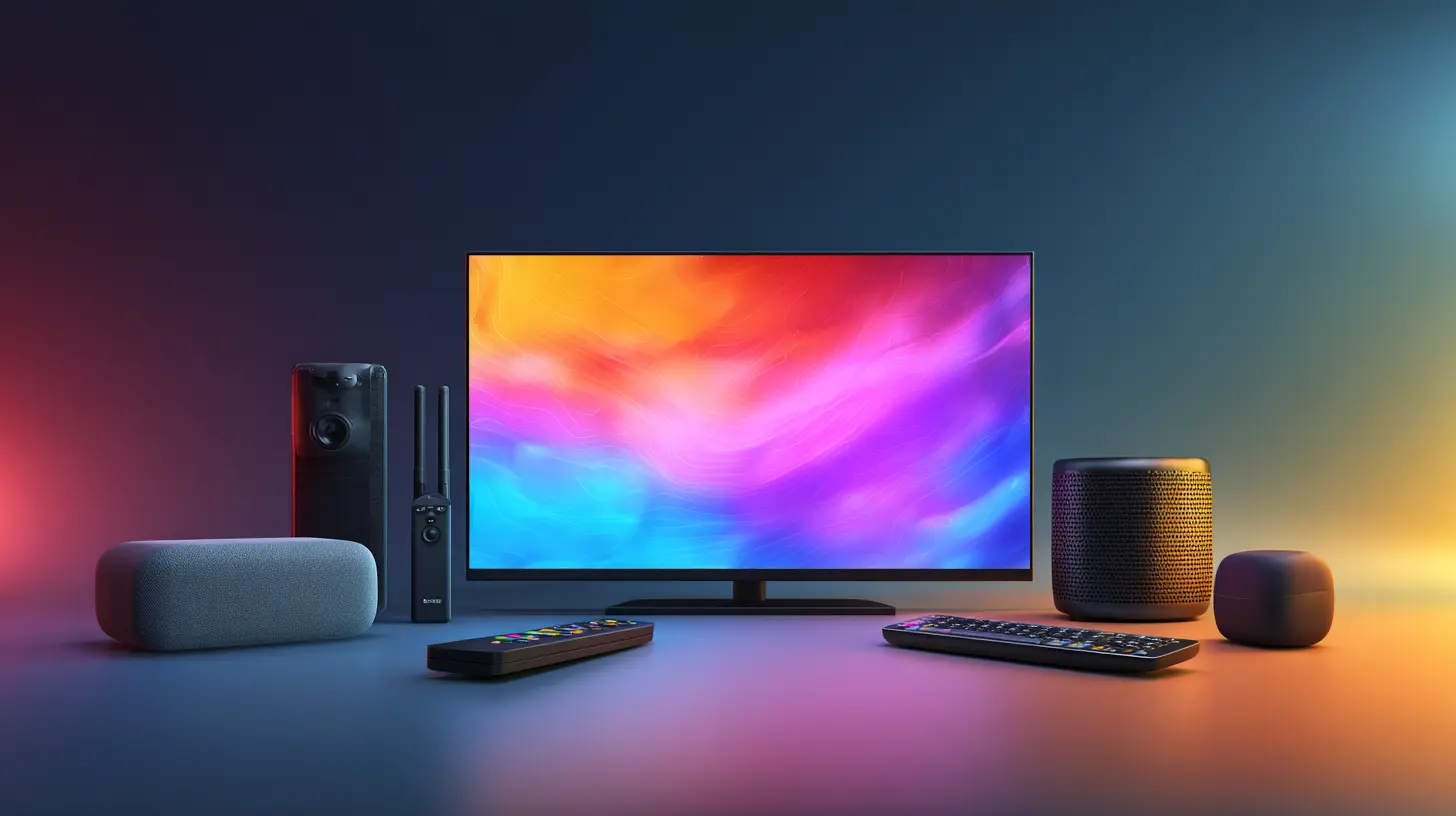
What Is a Smart TV, Really?
You hear the term Smart TV tossed around a lot, but what does it actually mean?A Smart TV is basically a television that comes with its own built-in operating system. Think of it as a TV with a brain. It's like having your phone or tablet integrated right into your television—no extra gear required.
You can:
- Install apps (Netflix, Hulu, Disney+, etc.)
- Stream content directly
- Browse the internet (though let’s be real, no one loves surfing the web with a remote)
- Connect with your smart home setup
So yeah, it's more than just a screen—it's a mini entertainment hub.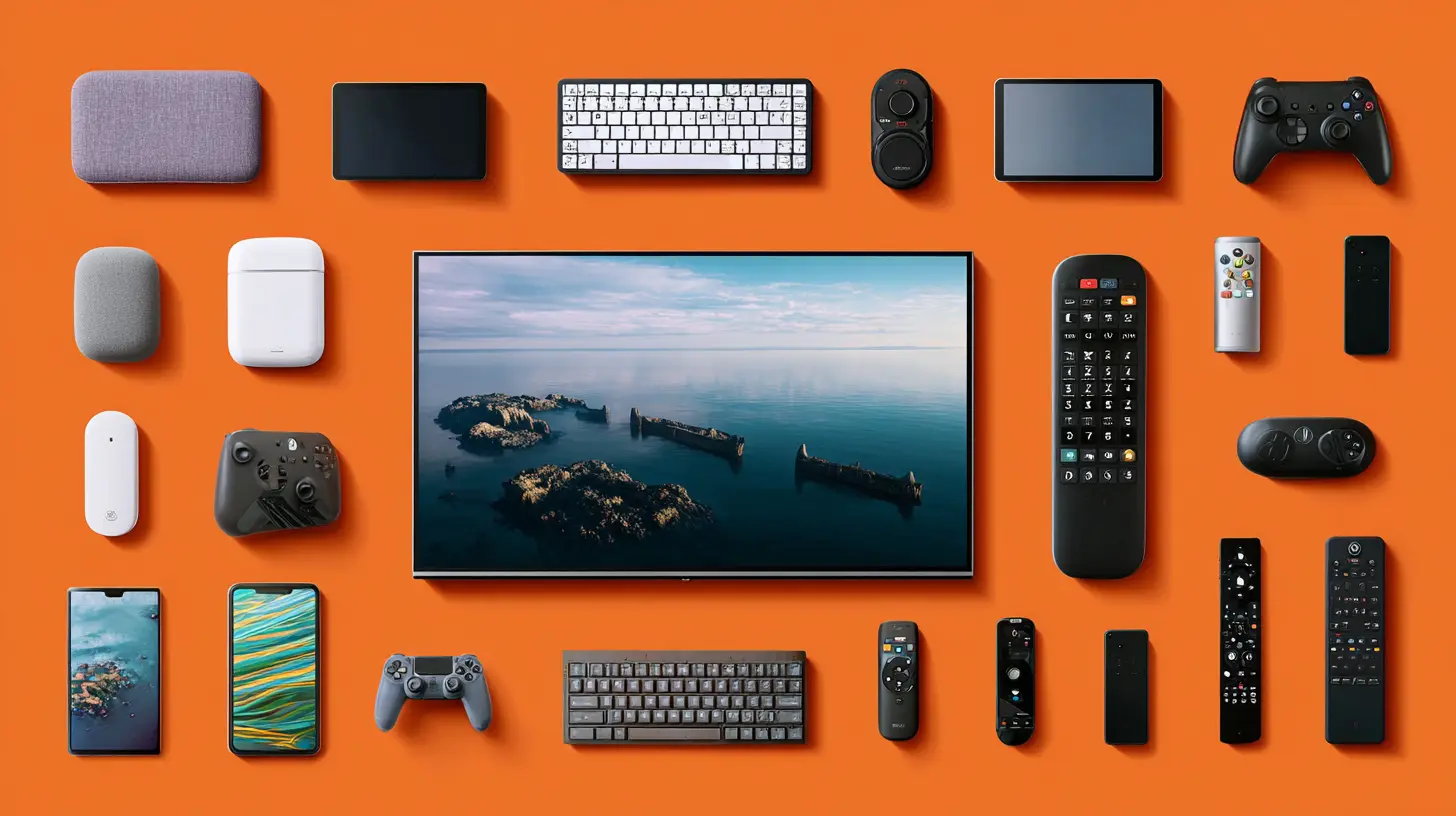
What Are Streaming Devices?
Streaming devices, like Roku, Amazon Fire TV Stick, Apple TV, and Google Chromecast, are compact gadgets you plug into your TV—usually via HDMI. They give your dumb TV a brain, or even make your Smart TV even smarter.These devices come loaded with their own software and app stores. They're designed to streamline streaming (say that five times fast) and often come with voice control, personalization, and smooth interfaces, sometimes even better than what Smart TVs offer out of the box.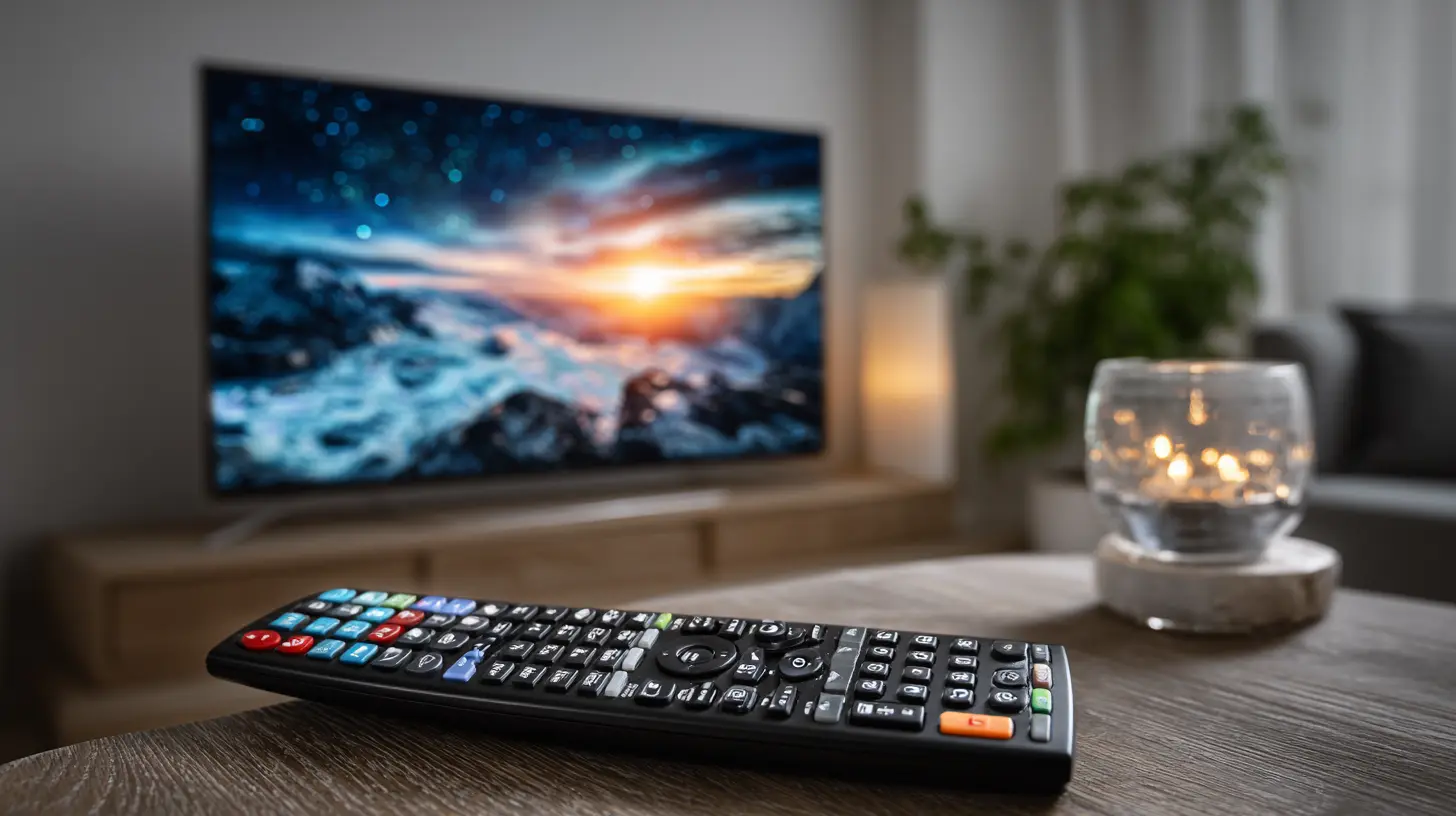
Ease of Use: Who Wins?
Let’s face it—no one wants a frustrating user experience. When it's movie night, you don’t want to fumble with clunky menus.Smart TVs: The Built-In Approach
While convenient, Smart TVs often fall short in terms of user-friendliness. Why? Well, each brand uses its own interface. Samsung has Tizen, LG uses webOS, Sony sticks with Google TV, and so on. Some are smooth and intuitive, while others feel like navigating a maze blindfolded.Ever tried typing a Wi-Fi password with a TV remote? Yeah... it’s not fun.
Streaming Devices: Plug-and-Play Simplicity
Streaming devices, on the other hand, are made for one thing and one thing only—streaming. That laser focus means their interfaces are usually much snappier, more responsive, and easier to navigate.Plus, you can always upgrade your streaming device. Locked into an older Smart TV? Updating the OS might not even be an option.
Bottom line: If you value a smooth, clean interface, streaming devices usually take the cake.
App Availability and Updates
This one’s important. Who wants a platform that doesn’t support the latest and greatest streaming apps?Smart TVs: A Mixed Bag
While most Smart TVs offer the big-name apps—Netflix, Prime Video, Hulu—some may not keep up with regular updates. If your TV’s manufacturer stops supporting the OS, you’re stuck. No more new apps, and updates might fizzle out too. Not cool.Streaming Devices: Always Up to Speed
Streaming devices are constantly pushing updates. They’re made by tech giants (like Amazon, Google, and Roku) that live and breathe software optimization. That means you’ll often get access to the newest apps and features faster than with a Smart TV.Pro tip: Want Dolby Vision or Atmos support? Devices like Apple TV and Fire TV Stick 4K offer fantastic audio-visual quality—sometimes better than high-end Smart TVs.
Performance and Speed
Ever had your TV lag just trying to open Netflix? Yeah, that’s a buzzkill.Smart TVs: Not Always Speed Demons
Smart TVs are notorious for slowing down over time. Limited RAM, weak processors, and bloated software all contribute to sluggish performance (especially on budget models).Streaming Devices: Lean, Mean Streaming Machines
Most streaming devices—especially premium ones like the Apple TV 4K or Nvidia Shield—are built with performance in mind. They boot faster, scroll smoother, and rarely freeze.Winner here? Streaming devices again.
Voice Control and Smart Assistants
Talking to your TV might still feel like sci-fi for some, but it’s becoming the norm.Smart TVs: Getting Smarter
Modern Smart TVs now integrate with Alexa, Google Assistant, or even Bixby (if you're into that). Voice controls can be hit-or-miss depending on the TV, but the feature is there.Streaming Devices: Better at Listening
Streaming devices tend to have stronger voice assistant integration. Amazon Fire TV is great with Alexa; Google Chromecast pairs nicely with Google Assistant. Plus, you can use dedicated voice remotes or even your phone.Smart TVs might match up someday, but for now, streaming devices have the edge.
Price and Value
Let’s talk money—because not everyone wants to drop a grand on a new TV just to stream their favorite shows.Smart TVs: Potentially Costly
Sure, you can snag a decent Smart TV for under $500. But the higher the resolution, the better the OS, the steeper the price. Want OLED with all the smart fixings? You’re easily looking at over $1,000.And remember—software support eventually runs out.
Streaming Devices: Budget-Friendly Brilliance
You can get a capable streaming stick for as little as $30. Even premium ones rarely exceed $200. That’s a far cry from replacing your entire TV.Already have a TV? Adding a streaming device is often the smarter (and cheaper) choice.
Portability and Flexibility
Can you take your Smart TV with you on a trip? Uh, no.But a streaming stick? You can throw it in your backpack and plug it into almost any TV with an HDMI port. That’s a game-changer for travelers, students, or people who move often.
Customization and Ecosystem Integration
If you’re into tech ecosystems (think: Apple users or Alexa-powered households), your choice matters.Smart TVs: Locked-In Experience
You’re mostly stuck with the OS your TV ships with. Want something different? Tough luck, unless you buy a new TV.Streaming Devices: Your Tech, Your Way
You can choose a device that aligns with your ecosystem. Use Google devices? Go with Chromecast. An Apple household? Get Apple TV. It’s all about building a seamless setup.Gaming Capabilities
Surprised? Yep—streaming devices are getting into cloud gaming.Google Stadia (RIP), Amazon Luna, and GeForce Now offer gaming options on some streaming devices. Meanwhile, Smart TVs are slowly adapting, but they’re not quite there yet.
If casual gaming is on your list, a streaming device might open up new avenues.
The Verdict: So, Which One Is Better?
Let’s be honest—there’s no one-size-fits-all answer here. But here’s a quick cheat sheet:| Feature | Smart TV | Streaming Device |
|--------|----------|------------------|
| Ease of Use | ❌ Clunky interfaces | ✅ Smoother, faster UI |
| App Updates | ❓ Inconsistent | ✅ Frequently updated |
| Performance | ❌ Tends to lag | ✅ Fast and efficient |
| Voice Control | ✅ Improving | ✅ Often better |
| Price | ❌ Expensive | ✅ Budget-friendly |
| Flexibility | ❌ Static | ✅ Portable |
| Customization | ❌ Limited | ✅ High |
If you already have a decent TV—smart or not—a streaming device can breathe new life into it. They’re cheap, powerful, and super easy to use. On the other hand, if you’re in the market for a brand-new TV and don’t want wires or extra gadgets? A Smart TV could be the all-in-one solution you're after.
That said, a lot of folks actually rock both. Yep, a Smart TV and a streaming device. Why? Better speed, more control, and a simpler overall experience.
So hey—why not have the best of both worlds?
Final Thoughts
In this showdown between Smart TVs and streaming devices, streaming devices come out swinging in most departments. They offer more value, more performance, and more control. It’s like upgrading your car with a turbocharger—it revs everything up without changing the whole vehicle.Still, it all comes down to your preferences. Whether you're a casual viewer or a hardcore streamer, what matters is how you like to watch.
So, are you Team Smart TV or Team Streaming Device? Either way, the popcorn's on you.
all images in this post were generated using AI tools
Category:
Smart TvsAuthor:

Jerry Graham
Discussion
rate this article
1 comments
Felicity McDonald
Streaming devices provide more flexibility and better app support.
June 23, 2026 at 3:01 AM
Jerry Graham
I agree, streaming devices often offer a wider range of apps and easier updates, making them a solid choice for flexibility.