Keeping Your Smartphone Clean and Germ-Free the Right Way
7 August 2026
Your smartphone is the one object you touch more than almost anything else. You take it to the bathroom, set it on restaurant tables, hand it to your kids, and press it against your face during calls. It is warm, constantly handled, and rarely cleaned. That combination makes it a perfect surface for bacteria, viruses, and everyday grime. But cleaning a smartphone is not as simple as spraying it with disinfectant and wiping it down. Do it wrong, and you can strip the oleophobic coating, damage the speakers, or push debris deeper into the ports. Do it right, and you can keep your device looking new while significantly reducing the germs you introduce to your hands, face, and ears.
This guide covers the practical, safe, and effective ways to keep your phone clean without causing long-term damage. It goes beyond the usual "use a microfiber cloth" advice and explains the reasoning, the trade-offs, and the common mistakes that even careful people make.
Why Your Phone Is Dirtier Than You Think
Most people understand that phones carry germs, but the scale of the issue is often underestimated. Think about every surface your phone touches in a single day. It sits on a desk where you just sneezed. It slides into a pocket that collects lint and sweat. It gets placed on a kitchen counter near raw food. It drops onto the floor of a public restroom, even if you tell yourself it did not. Each of these contacts transfers microscopic particles onto the glass and frame.The real problem is not just the bacteria count. It is the fact that your phone is a bridge between environments. You touch a doorknob, then your phone, then your face. That chain of transfer is how colds, flu, and gastrointestinal viruses spread. Your phone does not make you sick by itself. It makes you sick because it carries pathogens from high-touch surfaces directly to your mucous membranes.
The heat your phone generates during use also matters. Warm, dark, and slightly humid environments are where microbes thrive. Your phone sits in your pocket, close to your body, for hours at a time. That is a breeding condition, not just for bacteria but for the oils and dead skin cells that accumulate on the screen. Those oils do not just look bad. They create a film that traps dirt and makes the surface stickier, which attracts even more debris.
The Biggest Mistake: Using Harsh Chemicals Directly on the Screen
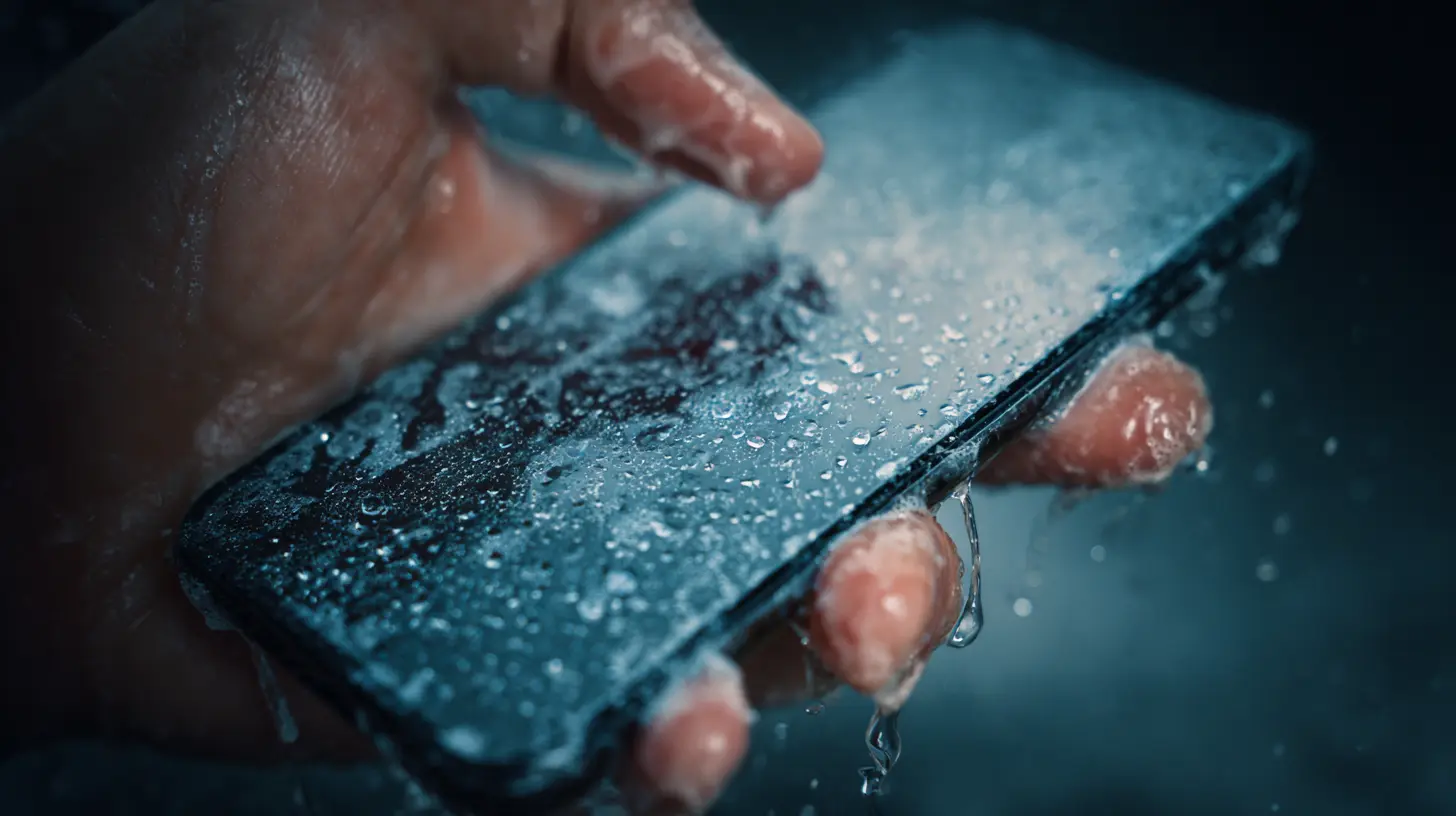
The most common cleaning mistake is reaching for household disinfectant sprays, bleach wipes, or window cleaners. These products work great on counters and glass tables, but they are too aggressive for modern smartphone screens. The reason is the oleophobic coating. This is a microscopic, oil-repelling layer applied to the glass at the factory. It keeps fingerprints from sticking, makes the screen feel smooth, and helps your finger glide across the surface. Harsh chemicals, especially those with alcohol concentrations above 50 percent, degrade this coating over time.You will not notice the damage immediately. After a few weeks of using a bleach wipe every day, the screen starts to feel slightly rougher. Fingerprints become harder to wipe off. The glass looks smudged even after cleaning. Eventually, the coating wears away entirely, leaving a screen that is a magnet for oil and smudges. Once that coating is gone, you cannot easily restore it. You would need a separate liquid glass protector, which is an extra expense and hassle.
It is not just the screen coating that suffers. Disinfectant sprays and wipes are wet, and they can seep into the small openings around the speaker grilles, the microphone, and the charging port. That moisture can damage the internal components or leave residue that muffles sound. Many people have killed their phone's speakers by spraying it directly with a cleaning solution. The liquid gets into the mesh, dries, and leaves a film that blocks the tiny holes. The result is a phone that sounds like it is underwater.
What Actually Works: The Safe Cleaning Toolkit
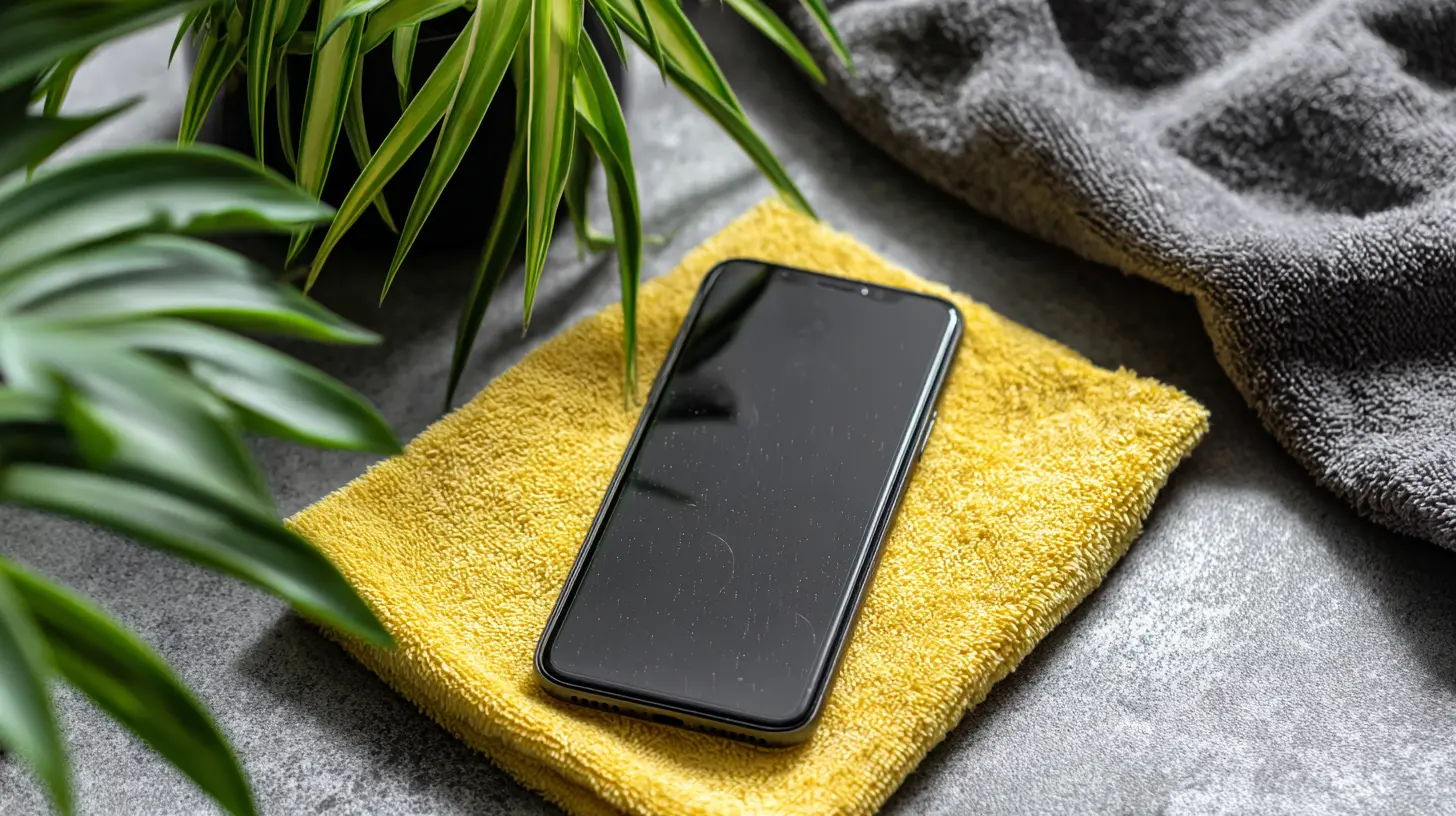
You do not need a lab-grade setup to clean your phone properly. You need a few basic items that are gentle and effective. The first is a microfiber cloth. This is non-negotiable. Microfiber is made of ultra-fine synthetic fibers that trap dust and oil without scratching the glass. Paper towels, tissues, and napkins are too abrasive. They may seem soft, but they contain wood fibers that can cause micro-scratches on the glass over time. Those scratches are invisible at first, but they accumulate and dull the screen's clarity.The second item is distilled water. Tap water contains minerals and chlorine that can leave streaks or residue. Distilled water is pure, so it evaporates cleanly. If you want a slightly stronger cleaning agent, a mix of 70 percent distilled water and 30 percent white vinegar works well. Vinegar cuts through grease and kills some bacteria without being as aggressive as alcohol. However, vinegar has a smell, and you need to be careful not to let it sit on the glass for too long. Wipe it off immediately.
The third item is a soft-bristled brush, like a clean, dry makeup brush or a soft toothbrush. This is for the ports and speaker grilles. You use it dry to gently sweep out lint and dust that collects in the crevices. This is a step most people skip, but it is essential for maintaining audio quality and charging reliability. A clogged charging port is one of the most common reasons phones stop charging properly, and it is almost always caused by pocket lint being compressed into the opening over time.
The Step-by-Step Cleaning Routine
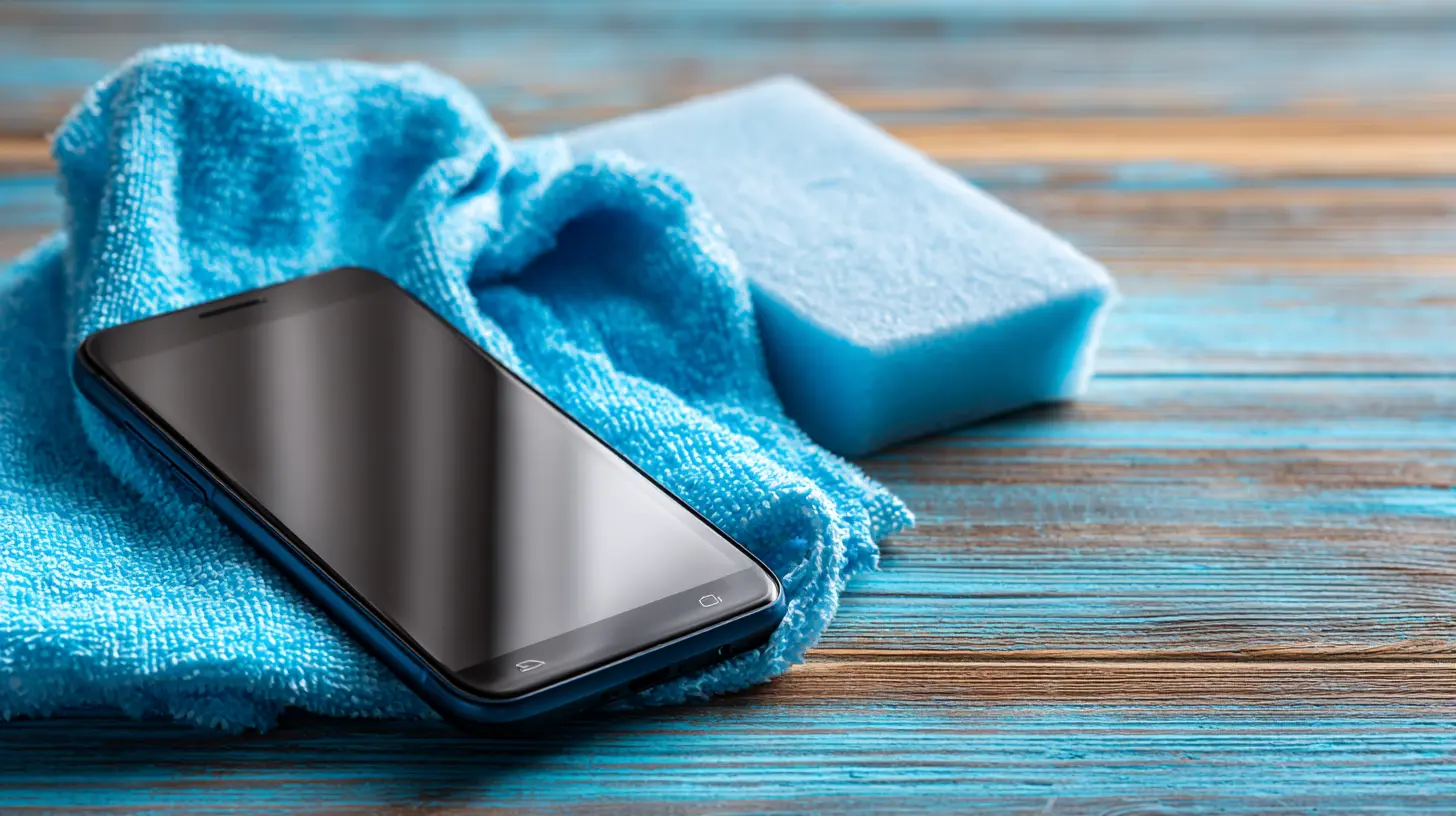
Start by turning off your phone and unplugging any cables. This is not just for safety. The screen is easier to clean when it is off because you can see the smudges clearly against the dark background. Also, a wet screen that is on can register phantom touches and open apps, which is annoying and can cause you to accidentally send a text or change a setting.First, use the soft brush to sweep the ports and grilles. Hold the phone upside down so that dislodged debris falls out instead of deeper into the device. Gently brush the charging port, the speaker openings, and the microphone holes. Do not poke anything metal or sharp into these openings. That can damage the internal pins or push debris further in. The brush is enough for regular maintenance.
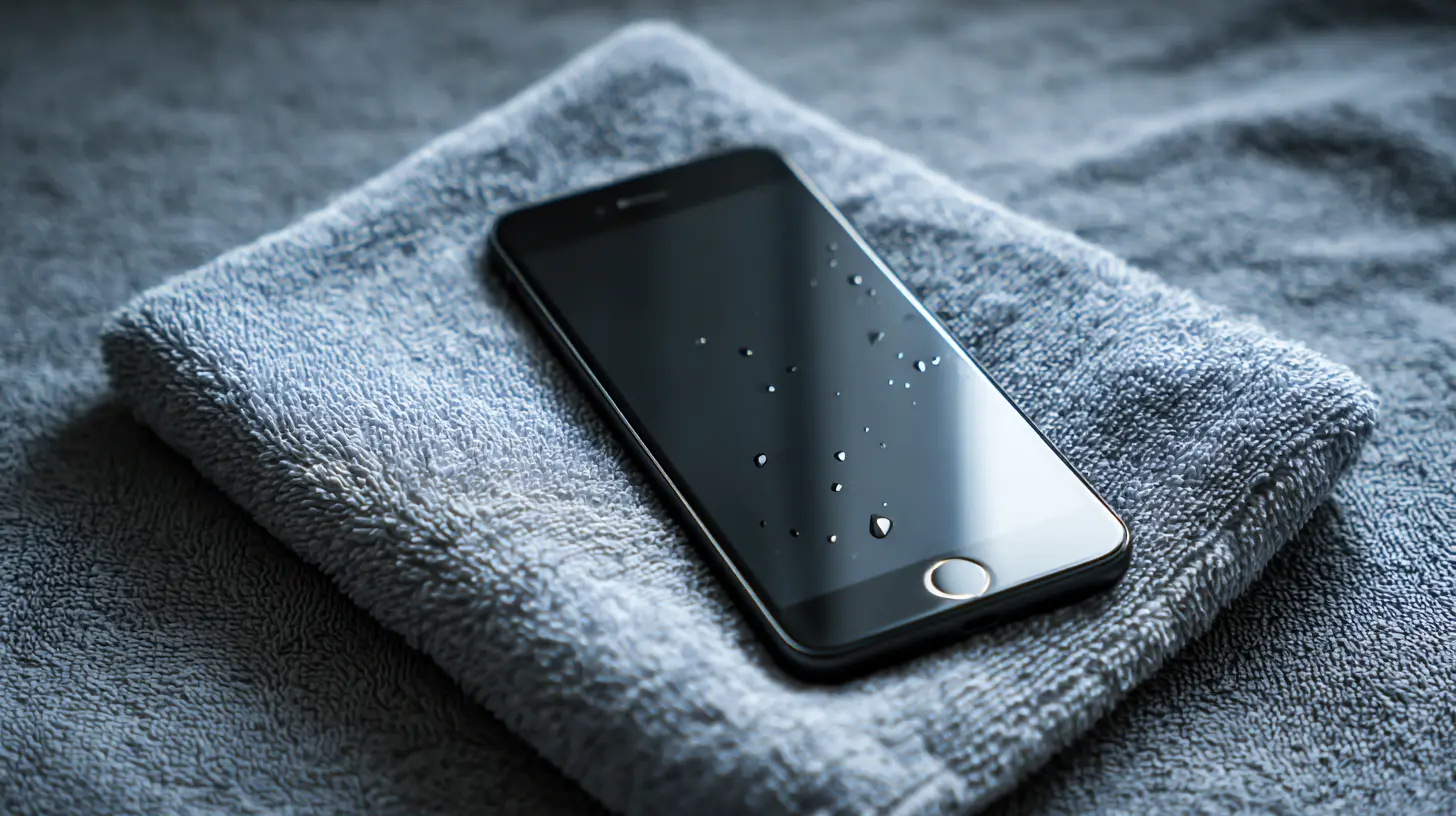
Next, take your microfiber cloth and wipe the entire phone dry. This removes the loose dust and surface particles. Then, if the screen has stubborn smudges, lightly dampen a corner of the cloth with your distilled water or vinegar solution. The cloth should be damp, not wet. If you can squeeze water out of it, it is too wet. Wipe the screen in a gentle circular motion, then use a dry part of the cloth to buff it clean.
For the back and sides, you can use the same damp cloth. If you have a case, remove it and clean the case separately with soap and water. The case catches a lot of grime, and cleaning it separately prevents you from just spreading dirt around. Let the case dry completely before putting it back on. Moisture trapped between the case and the phone can cause condensation and, over time, damage the internal seals.
How Often Should You Clean Your Phone?
There is no single right answer because it depends on how you use your phone. If you are at home all day, working from a desk, and your phone rarely leaves your side, a quick dry wipe every day and a damp wipe every few days is sufficient. If you take public transit, eat at restaurants, or share your phone with others, you should clean it more frequently, especially after coming home.The most important time to clean your phone is after being in high-risk environments. If you have been to a hospital, a doctor's office, a gym, or a public restroom, clean your phone before you touch your face again. The same goes after cooking with raw meat or handling uncooked eggs. Your hands are not the only thing that needs washing after handling raw chicken. Your phone touched the counter, and your phone touched your hands. Break that chain.
Do not obsess over cleaning your phone every hour. Over-cleaning can be as damaging as under-cleaning. Each wipe, even with a soft cloth, creates friction that slowly wears down the oleophobic coating. The goal is to reduce the microbial load and remove visible grime, not to achieve a sterile environment. A sterile phone is impossible anyway, and the effort to get there would damage the device.
The UV Light Sanitizer: Is It Worth It?
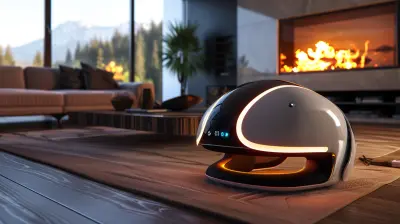
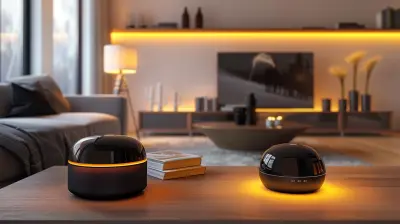
UV light sanitizers are boxes or wands that use ultraviolet light to kill bacteria and viruses on your phone's surface. They have become popular in recent years, and they do work in a controlled environment. The UV-C wavelength is effective at damaging the DNA of microbes, which prevents them from reproducing. However, there are important caveats.First, UV light only kills what it directly hits. If your phone is in a case, you need to clean the case and the phone separately. If the phone is lying face up, the back and sides are not fully sanitized unless the device has multiple light sources. Second, UV sanitizers do not remove dirt, oil, or grime. They kill germs, but they leave the physical residue behind. You still need to wipe the phone with a microfiber cloth to remove the film. Third, UV light can degrade certain materials over time, including some plastics and adhesives. Most modern phones use glass and metal, which are fine, but the case and any plastic trim may yellow or become brittle with repeated exposure.
The practical verdict is that a UV sanitizer is a nice addition, not a replacement for regular wiping. If you are immunocompromised, work in healthcare, or simply want extra peace of mind, a UV sanitizer can be a worthwhile investment. For the average person, a microfiber cloth and occasional damp wipe is more than enough. The UV sanitizer adds convenience but not a dramatic safety improvement for everyday use.
The Case Conundrum: To Clean With or Without
Your phone case is the first line of defense against drops, but it is also a sponge for germs. Silicone and plastic cases are porous at a microscopic level. They absorb oils, sweat, and skin cells. They also trap dirt between the case and the phone, which can scratch the back panel over time. Many people clean their phone screen but never remove the case, so the dirt accumulates in that thin gap. Every time you press the phone or squeeze it, that abrasive grit rubs against the back, creating faint swirl marks.You should remove the case at least once a week and clean both the case and the phone. Wash the case with warm water and mild dish soap. Use a soft cloth or your fingers to work the soap into the corners and edges. Rinse thoroughly and let it air dry completely before reattaching. Do not put it in the dishwasher or microwave. The heat will warp the plastic. Do not use alcohol on silicone cases either. It can dry them out and cause them to become brittle or sticky.
While the case is off, inspect the phone's back and edges. Look for debris in the seams. Use your brush to sweep it out. This is also a good time to check for any damage, like a cracked back panel or a loose SIM tray. Catching these issues early prevents bigger problems later.
Common Misconceptions About Phone Cleaning
One common myth is that hand sanitizer is a good substitute for a dedicated screen cleaner. Hand sanitizer is mostly alcohol, and as discussed, alcohol is not ideal for the oleophobic coating. A little bit occasionally will not cause immediate harm, but daily use will degrade the screen. Another myth is that you should use a "phone screen cleaner" spray that you buy from a gadget store. Many of these are just water with a tiny bit of surfactant, and they work fine. But you can achieve the same result with distilled water and a microfiber cloth. You do not need a specialized product.Another misconception is that you should blow into the charging port to clean it. Blowing with your mouth introduces moisture and saliva, which can cause corrosion or attract more dust. Use a can of compressed air if you need to dislodge stubborn debris, but hold the can upright and use short bursts. Do not tilt the can, as the propellant can spray out as a cold liquid that damages components.
Some people believe that a phone is "self-cleaning" because of the oleophobic coating. That is not true. The coating repels oil, but it does not kill germs or remove dirt. It just makes the surface easier to clean. The coating is a convenience, not a cleaning mechanism.
When to Avoid Cleaning Your Phone
There are moments when you should not clean your phone, even if it looks dirty. The first is when the phone is charging. The charging port and cable are live, and introducing moisture into that connection can cause a short circuit. Even a damp cloth near the port is risky. Unplug the phone, clean it, and let it dry before plugging it back in.The second is when the phone is very hot. If you have been using GPS navigation in the car or playing a graphics-heavy game, the phone's internal temperature is elevated. Applying a damp cloth to a hot screen can cause thermal shock, which may crack the glass or damage the adhesive seals. Let the phone cool down to room temperature before cleaning.
The third is when the screen has a crack or chip. If the glass is broken, moisture can seep into the crack and reach the LCD panel underneath. This can cause dark spots, color distortion, or complete screen failure. If your screen is cracked, limit cleaning to a dry microfiber cloth and get the screen repaired as soon as possible.
The Right Way to Disinfect Without Damaging
If you specifically want to disinfect your phone, as opposed to just cleaning it, you need a product that is safe for electronics. Look for disinfectant wipes that are labeled as safe for screens, or use a solution of 70 percent isopropyl alcohol and 30 percent water. The key is to apply it to a microfiber cloth, not directly to the phone. Wipe the phone gently, and do not let the solution sit on the surface. Wipe it off with a dry part of the cloth immediately.Apple and Samsung have both stated that using 70 percent isopropyl alcohol wipes is acceptable for their devices, but they recommend avoiding excessive use. The keyword is "occasional." If you need to disinfect because someone in your household is sick, do it once or twice a day. When everyone is healthy, go back to your regular water and cloth routine. This balance keeps the phone hygienic without prematurely aging the coating.
Building a Sustainable Cleaning Habit
The best cleaning routine is the one you actually follow. A complicated, multi-step process that requires special tools will be abandoned after a week. Start simple. Keep a microfiber cloth in your desk drawer, your car, and your bedside table. When you pick up your phone and notice smudges, give it a quick wipe. This takes five seconds and prevents the buildup of oils that makes the screen look permanently dirty.Set a weekly reminder to do a deeper clean. Remove the case, brush the ports, damp-wipe the surfaces, and wash the case. This takes about five minutes. Do it on Sunday evening while watching TV or listening to a podcast. The consistency matters more than the technique. A phone that gets a quick wipe every day and a deep clean weekly will look and perform better than a phone that gets an intense cleaning once a month.
Your phone is an extension of your hand, but it does not have to be a reservoir of germs and grime. With the right tools and a little routine, you can keep it clean, functional, and safe. The effort is minimal, and the payoff is a device that looks better, works better, and carries fewer unwanted passengers. Start today. Wipe your phone down right now. Your future self, and your immune system, will thank you.
all images in this post were generated using AI tools
Category:
Smartphone TipsAuthor:

Jerry Graham
Discussion
rate this article
1 comments
Hannah Moses
Just remember, your phone has seen more action than your last date... time for a cleaning!
August 26, 2026 at 3:17 AM
Jerry Graham
You're right! It's easy to forget how much we touch our phones. A regular cleaning is definitely in order.