Essential Tools for Remote Managers in 2027
26 September 2026
Remote management stopped being a novelty a long time ago. By 2027, it is simply how a huge portion of knowledge work gets done, and the managers who thrive are not the ones with the most tools. They are the ones who picked the right tools and then had the discipline to ignore the rest.
That distinction matters more than ever. The average remote manager now juggles somewhere between eight and fifteen apps on a normal Tuesday, and every one of them promises to be the "single source of truth." None of them are. The real skill is building a small, deliberate stack where each piece earns its place, and where the seams between tools do not swallow your team's attention.
This article is not a list of shiny apps. It is a working framework for what a remote manager actually needs in 2027, which categories of tools solve which problems, where the trade-offs hide, and how to avoid the traps that quietly wreck remote teams.

The Core Problem Tools Are Supposed to Solve
Before naming anything, get clear on the job. A remote manager is doing four things at once:1. Creating clarity so people know what matters and what "done" looks like.
2. Maintaining connection so the team does not drift into a collection of strangers.
3. Keeping work moving without standing over anyone's shoulder.
4. Protecting their own focus so they are not a full-time human router.
Every tool you adopt should map to at least one of those. If it does not, it is decoration. The most common mistake I see is managers adopting tools to solve a feeling rather than a problem. They feel out of touch, so they add another check-in app. They feel disorganized, so they add another dashboard. The feeling passes, the tool stays, and the stack gets heavier.
Here is the harder truth: in 2027, the differentiator is not access to tools. It is judgment about which ones to run and which to ruthlessly cut. A team of twelve people can function beautifully on four well-chosen tools. The same team can fall apart on twelve mediocre ones.
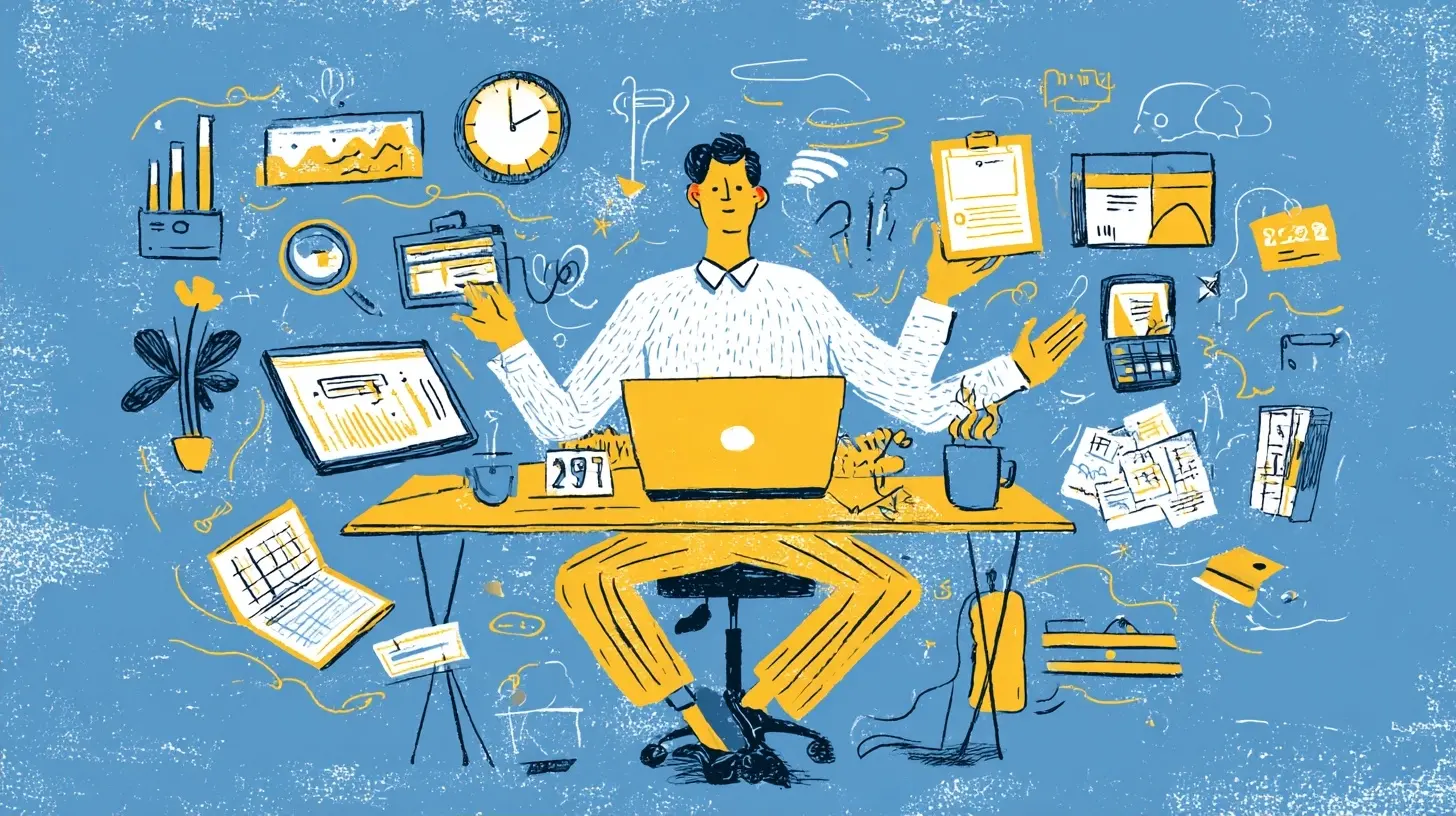
Communication Hubs: The Center of Gravity
Every remote team needs one place where the default conversation lives. Not five. One.The big shift over the past few years has been the merging of chat and asynchronous video into single platforms. Instead of a chat app plus a separate recording tool plus a separate whiteboard, you now get bundled suites where a message can turn into a thread, a thread can turn into a recorded walkthrough, and a walkthrough can turn into a task. That bundling is genuinely useful because it reduces context-switching, which is the silent tax on remote work.
What to look for:
- Threading that actually works. If your team cannot follow a decision three days later, the tool has failed.
- Search that respects permissions and time. You want to find "what did we decide about the Q3 launch" without scrolling.
- Async video built in. A two-minute screen recording replaces a thirty-minute meeting more often than people admit.
- A sane notification model. If everything pings, nothing matters.
The trade-off: All-in-one hubs can become bloated. You pay for features nobody uses, and the interface gets crowded. The alternative, best-of-breed tools stitched together, gives you sharper individual experiences but adds integration fragility. My rule: pick the hub that your team will actually open first thing in the morning, then resist adding a second chat tool for "just the engineering team." That is how fragmentation starts.
Common mistake: Treating the hub as a to-do list. Chat is for conversation and quick coordination, not for tracking work. The moment people start saying "I'll bump that thread" instead of "I'll update the task," you have lost the plot.

Asynchronous Video: The Quiet Workhorse
If I had to name the single most underrated tool category for remote managers, it would be asynchronous video. Not meetings. Not live calls. Short, recorded clips.Why it works: writing a nuanced explanation takes effort and can be misread. A three-minute recording carries tone, emphasis, and visual context that text strips away. For feedback, walkthroughs, and status updates, async video often beats both a meeting and a long document.
When to use it:
- Giving feedback on a deliverable where showing beats telling.
- Walking a new hire through a process.
- Replacing a recurring status meeting with a weekly digest of short clips.
When not to use it:
- Decisions that need real-time debate.
- Anything sensitive where a recorded artifact could be awkward or misused.
- Quick yes or no questions. Just type those.
Best practice: Keep clips under five minutes. Name them clearly. Tell the viewer exactly what you want them to do after watching. A video without a call to action is just a monologue with extra steps.
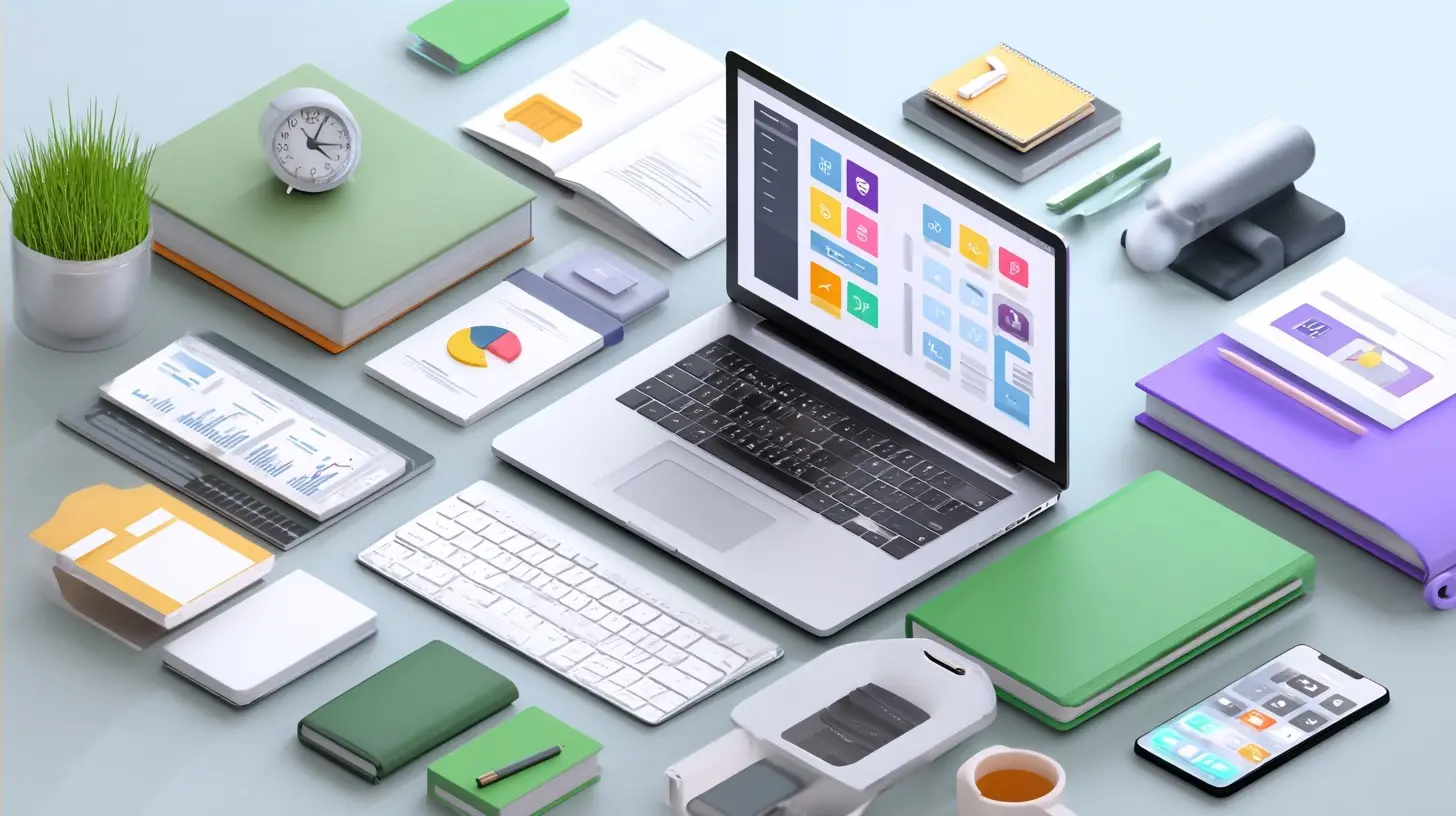
Project and Task Trackers: Where Work Actually Lives
The tracker is the spine of remote execution. Chat moves fast and forgets; the tracker remembers. In 2027, the strongest trackers share a few traits: they are fast to update, they show dependencies without a PhD, and they do not force one rigid methodology on the whole company.Key considerations:
- Flexibility vs. consistency. A tracker that lets every team invent its own workflow creates reporting chaos. One that forces a single workflow creates resentment. The sweet spot is a shared vocabulary (statuses, priorities) with team-level freedom on boards and views.
- Automation that reduces work, not hides it. Auto-assigning and auto-reminding are great. Auto-closing tickets after inactivity is how real problems disappear quietly.
- Integrations with your hub. If updating a task requires leaving the conversation, people will not do it.
Real-world example: A product team I know replaced a heavyweight enterprise tracker with a lighter one and saw adoption jump, not because the new tool was more powerful, but because updating it took ten seconds instead of two minutes. Adoption beats features almost every time. A tool people use badly is worth more than a perfect tool they avoid.
Misconception: That the tracker should reflect reality perfectly. It should reflect reality usefully. Chasing perfect data turns your team into data-entry clerks. Aim for "good enough to make decisions," not "audit-grade."
Documentation and Knowledge Bases: The Team's Memory
Remote teams live or die by their documentation. When you cannot tap someone on the shoulder, the written record becomes your institutional memory.But here is the nuance most guides miss: a knowledge base is not a dumping ground. It is a curated library. The failure mode is a wiki with four hundred pages and no one who knows which twelve matter.
What a good setup looks like:
- A clear entry point. New hires should have one page that tells them where everything else lives.
- Ownership and freshness dates. Every important doc needs an owner and a "last reviewed" date. Stale docs are worse than no docs because they mislead with authority.
- Search that works across your whole stack. If people cannot find it, it does not exist.
Trade-off: Heavy documentation slows you down in the short term and saves you massively in the long term. The trick is documenting decisions, not every keystroke. Record the "why," not just the "what." Future-you will thank present-you for explaining why the team chose option B.
The Manager's Own Toolkit: Focus and Signal
This is the category remote managers neglect most, and it is the one that determines whether you survive the role.Your calendar is a tool. Your notification settings are a tool. Your ability to say "not now" is a tool. In 2027, the managers who burn out are the ones who let every channel reach them at all times.
Practical setup:
- Time-blocked focus. Two or three deep blocks a day, defended like meetings with your boss.
- A triage window. Instead of living in your inbox and chat, check them in deliberate batches. This feels irresponsible for the first week and then feels like oxygen.
- A "manager dashboard" you actually maintain. One place that shows your team's health: who is overloaded, what is blocked, what is at risk. Not a vanity metrics board. A working instrument.
Why this matters: A remote manager who is always available trains the team to always interrupt. A remote manager who models focused work gives everyone permission to do the same. Your habits set the cultural ceiling.
Meetings and the Tools Around Them
Live meetings are not dead, but their role has narrowed. In 2027, the good remote teams treat live time as expensive and reserve it for things that genuinely need it: brainstorming, conflict resolution, relationship building, and decisions with real stakes.Tool considerations:
- Agenda-first tools that force a purpose before the invite goes out.
- Automatic notes and action capture. If your meeting tool can produce a reliable summary and pull out action items, use it, but always have a human confirm the actions. Auto-summaries are helpful drafts, not final truth.
- Recording with consent and clear retention. Recordings are useful and also a privacy consideration. Decide as a team when recording is on and how long it is kept.
Common mistake: Recording everything and reviewing nothing. A recording is a safety net, not a substitute for someone taking notes in the moment.
The Integration Layer: Where Stacks Succeed or Fail
Here is the part nobody puts in the marketing copy. The value of your stack is not the sum of its parts. It is how well the parts talk to each other.A chat message that becomes a task that becomes a doc that becomes a calendar event, all without copy-pasting, is a stack that works. The same four tools with manual handoffs between them is a stack that leaks time and morale.
What to think about:
- Where is the source of truth for each type of information? Decide once. A task lives in the tracker. A decision lives in the doc. A conversation lives in the hub. When these overlap, people get confused.
- How much automation is safe? Automate the boring handoffs. Do not automate judgment calls.
- What happens when a tool goes down? Have a fallback. Remote teams that have never discussed this panic the first time their hub hiccups.
A useful exercise: Draw your stack as a flowchart. For each arrow between tools, ask "is this manual or automatic, and does it actually work?" Most teams find two or three broken arrows they did not know existed.
Security, Privacy, and the Boring Stuff That Bites
Remote tools spread company data across more surfaces than any office ever did. That is not a reason to panic; it is a reason to be deliberate.Baseline practices:
- Single sign-on and role-based access. When someone leaves, deprovisioning should take minutes, not weeks.
- Data residency awareness. If your company operates across regions, know where each tool stores data.
- Clear rules on what never goes into a chat or a shared doc. Passwords, personal data, and sensitive legal matters have their own channels.
This is not glamorous, and it is exactly the kind of thing that separates a manager who is trusted with a bigger team from one who is not. Getting the boring parts right buys you the freedom to be creative everywhere else.
How to Choose Without Regret: A Practical Method
Enough categories. Here is how to actually decide.1. Audit what you have. List every tool your team touches in a week. Note who uses it and for what.
2. Kill the zombies. Anything with fewer than half the team active in the last month is a candidate for removal. Ask before you cut, but be willing to cut.
3. Identify the gaps, not the wishes. A gap is a problem you can name. A wish is "it would be nice if." Fund gaps first.
4. Pilot with a small group. Roll out to three people, not thirty. Watch what breaks.
5. Set a review date. Every new tool gets a 60-day check-in. Did it earn its place? If not, out it goes.
The trade-off to accept: You will sometimes pick wrong. That is fine. A stack that evolves is healthier than one frozen in place. What you cannot afford is a stack that grows without ever shrinking.
Best Practices That Hold Up Over Time
- Fewer tools, deeper usage. Mastery beats novelty.- One source of truth per information type. Write it down and defend it.
- Default to async, escalate to live. Live time is a budget, spend it well.
- Document decisions, not everything. Capture the "why."
- Model the behavior you want. Your calendar and notifications teach the team what is normal.
- Review quarterly. Tools drift. Teams change. So should your stack.
What to Watch as 2027 Unfolds
I will not pretend to predict the future, but a few directions seem reasonable to watch. AI assistants are becoming embedded in every layer of the stack, from summarizing threads to drafting updates. That is genuinely useful when it removes grunt work and genuinely risky when it creates confident-sounding errors. Treat AI output as a first draft from a fast, occasionally overconfident intern.Expect more consolidation, too. The market tends to swing between bundling everything and unbundling into specialists. Right now the bundlers have momentum because teams are tired of integration headaches. That could reverse. Your job is not to chase the swing but to keep your stack coherent regardless of which way the wind blows.
The Bottom Line
The essential tools for a remote manager in 2027 are not exotic. They are a communication hub, an async video capability, a task tracker, a living knowledge base, a sane personal focus setup, and an integration layer that holds it together. That is it. The magic is not in the list. It is in choosing deliberately, cutting without sentiment, and using the few tools you keep so well that they disappear into the work.Tools do not manage people. They remove friction so that managing people, the human part, gets the time and attention it deserves. Get that right, and your stack becomes invisible. Get it wrong, and you spend your days managing your tools instead of your team.
all images in this post were generated using AI tools
Category:
Remote Work ToolsAuthor:

Jerry Graham