Boost Your Workflow: The Essential Productivity App Stack for 2027
3 September 2026
Let's be honest: the phrase "productivity stack" usually makes people roll their eyes. It conjures images of someone with 47 browser tabs, a Kanban board for their grocery list, and an unhealthy obsession with "inbox zero." But here is the uncomfortable truth for anyone working in 2027: the default tools we inherited from the last decade are actively working against us.
The average knowledge worker now juggles more communication channels than ever. Slack, Teams, email, Notion, Jira, and a dozen other platforms all demand attention. The problem isn't a lack of tools. It is a lack of cohesion. Most people are not unproductive because they are lazy. They are unproductive because their apps are fighting each other, and the user is the battleground.
This article is not a list of the "top 10 apps you must download." That list changes every year, and most of it is marketing fluff. Instead, I want to walk you through a functional, resilient app stack for 2027, built on principles that will outlast any single software update. We will look at why certain categories matter, where most people go wrong, and how to make these tools work together without turning your digital life into a full-time management job.
The Core Problem: Context Switching Is the Real Enemy
Before we talk about specific apps, we need to address the elephant in the room. The biggest drain on your productivity is not a lack of a fancy AI scheduler. It is the cost of switching your focus.Every time you leave your writing tool to check a chat message, your brain needs time to re-establish context. Researchers have long pointed to a phenomenon called "attention residue." When you switch tasks, part of your mind is still stuck on the previous task. If you are constantly toggling between apps, you are essentially running at 60 percent capacity all day, even if you feel busy.
The 2027 stack, therefore, is not about adding more tools. It is about building a system that minimizes the need to switch. The goal is to create a "single pane of glass" for your work, where the underlying tools are so well integrated that you rarely need to leave your primary workspace.
This means we have to be ruthless. If an app does not integrate cleanly with your core workflow, it is a liability, not an asset. That might sound harsh, but it is the only way to survive the noise of modern work.
The New Command Center: Why the Browser Won
For years, we debated whether desktop apps were superior to web apps. That debate is over. By 2027, the browser has won, not because it is technically superior, but because it is the only platform that offers true interoperability.Your stack should be built around a browser-based operating system, but not in the way you think. I am not talking about Chrome OS specifically. I am talking about the concept of the browser as your desktop. The apps you choose must be web-native, meaning they were designed for the browser first, not ported over from a desktop mentality.
Why does this matter? Because web-native apps share data protocols. They can talk to each other through APIs, webhooks, and standard formats like JSON. A desktop app that was built in 2015 and has been "maintained" with patches is often a closed ecosystem. It hoards your data and makes it difficult to automate workflows.
Here is the practical takeaway: when you evaluate a tool for 2027, ask if it has a robust, publicly documented API. If the answer is no, walk away. You need to be able to move data between your task manager, your notes, and your calendar without manual copy-pasting. That is the single most important technical decision you will make.
The Capture Layer: Your Inbox for Everything
Most productivity systems fail at the very first step: capturing information. We see a great idea, a task, or a link, and we think, "I will remember to put that in my task manager later." You won't. You will forget, and then you will spend mental energy trying to recall it, which is a waste.The first layer of your stack is a universal capture tool. This is not your email inbox. It is a dedicated space where anything can go without structure.
For 2027, the best tools in this category are those that use a "daily note" approach combined with quick-capture shortcuts. Apps like Obsidian, Logseq, or even a well-configured Apple Notes can work. However, the key feature you are looking for is speed. You need to be able to open the app and record a thought in under two seconds.
Do not overthink this step. A common misconception is that you need to organize your capture inbox. You don't. The inbox is a temporary holding pen, not a filing cabinet. The goal is to get the thought out of your head and into a trusted system so your brain can let go of it.
Here is a specific recommendation: use a tool that allows for global hotkey capture. Whether you are on Windows, Mac, or Linux, you should be able to press a key combination from anywhere and have a text box pop up. Type your thought, hit save, and get back to work. This is the digital equivalent of writing on a sticky note, but it is searchable and permanent.
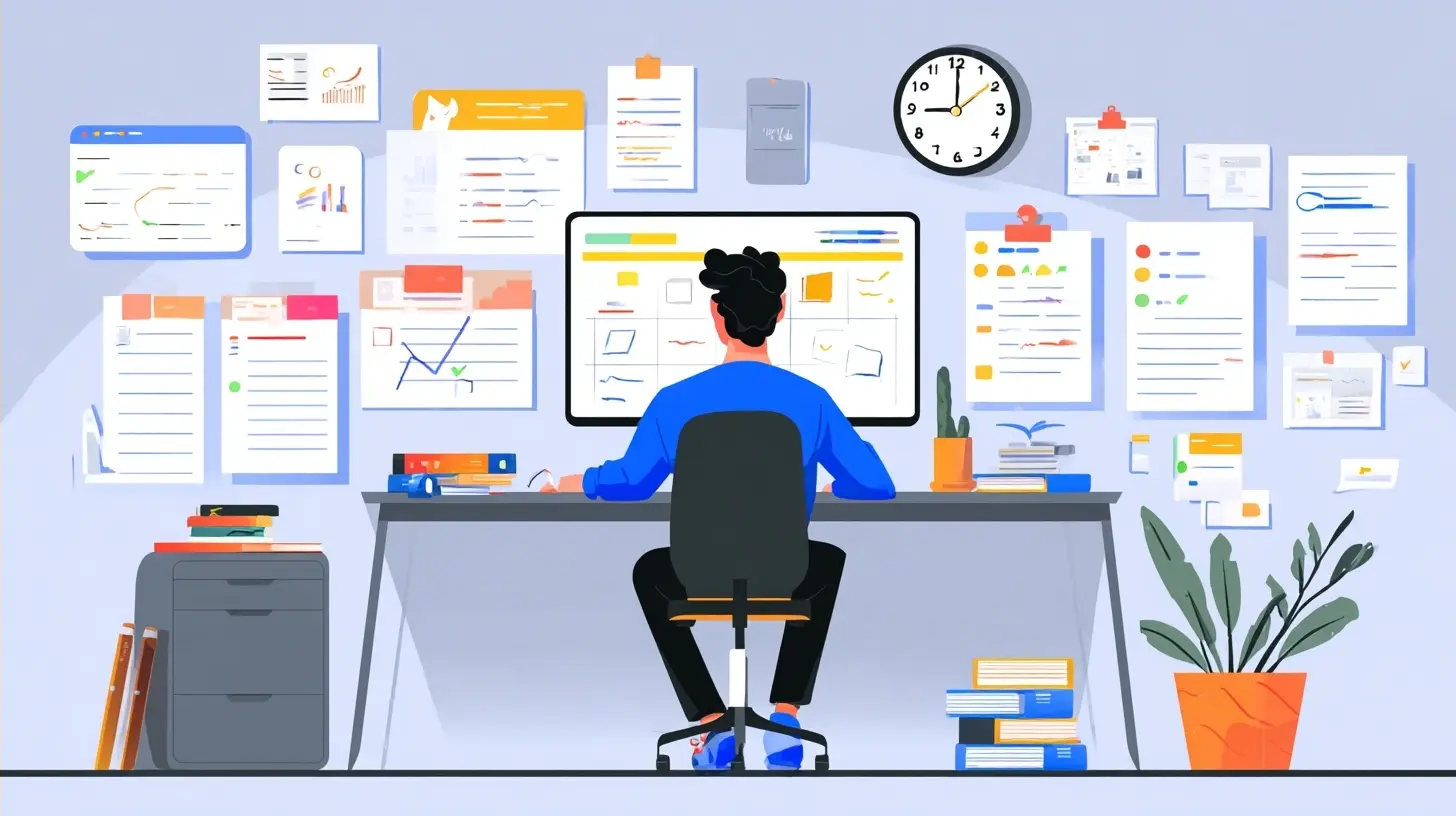
The Thinking Layer: Notes That Grow With You
Now we get to the part where most people go wrong. They treat their note-taking app like a digital filing cabinet. They create folders for "Work," "Personal," "Projects," and then they meticulously file every note away. This is a disaster.Why? Because rigid folders force you to make decisions about categorization before you understand the content. You don't know if a note about "Blockchain for supply chain" belongs under "Work" or "Research" until you actually develop the idea. If you file it away too early, you will never see it again.
The 2027 approach is to use a "second brain" that is based on links and connections, not folders. This is where tools built on the Zettelkasten methodology shine. Obsidian and Logseq are the most prominent examples here, but the specific app matters less than the philosophy.
The philosophy is simple: write notes as if you will never file them. Instead, connect them to other notes. When you capture an idea about a new marketing strategy, you link it to a note about the product roadmap. Later, when you are working on the roadmap, you see that link, and you get a flash of insight you would have otherwise missed.
This is not just about nostalgia for index cards. It is about building a web of knowledge that mirrors how your brain actually works. The benefit is compounding. The more you connect, the more valuable each note becomes.
Do not use a tool that forces you into a database schema. If you have to define fields and relationships before you can write, you will stop writing. The best thinking tools are the ones that get out of your way and let you write freely, only adding structure later when it is actually needed.
The Task Management Layer: The Art of the "Do-Now" List
Task management is the most over-engineered aspect of modern productivity. We have tools with Gantt charts, dependencies, custom fields, and automation rules. And yet, most people still use a piece of paper or a simple list app because the complex tools are too slow to use.The secret to task management is not better software. It is a better definition of a task. Most people put vague items on their list like "Work on presentation." That is not a task. That is a project. When you look at that item, your brain has to do a bunch of work to figure out what the first step is. That cognitive load is enough to make you procrastinate.
Your task manager should only contain "do-now" items, which are tasks that are specific enough to be done in one sitting, usually less than 20 minutes. "Work on presentation" should become "Write the opening slide headline" and "Find three charts for the Q3 data section."
For the actual tool, I recommend a departure from the old guard. While Todoist and Things are still excellent, they are starting to feel like relics of a time when tasks were isolated events. In 2027, your task manager needs to be context-aware.
This is where the concept of "auto-scheduling" becomes critical. Apps like Sunsama or Motion attempt to automatically place tasks on your calendar based on the time you have available. They are controversial, and I have mixed feelings about them.
The advantage is that they force you to be realistic. If you have 10 hours of tasks and only 8 hours of work time, the app will show you that you are overcommitted. This is a painful but necessary reality check.
The disadvantage is that they can make you feel like a robot. If the app schedules your "Deep Work" block for 2 PM, but you are a morning person, you will fight the tool.
My advice is to use a task manager that has a calendar view but is not strictly auto-scheduling. The best approach is to manually time-block your high-priority tasks on your calendar, and then use your task manager as a list of what to do inside those blocks. This gives you the flexibility of a human and the structure of a system.
The Communication Layer: The Inbox Is Not Your Home
Email is not dead, but it has been demoted. In 2027, email is for formal communication, receipts, and legal documents. It is not for real-time chat, and it is definitely not for project collaboration.The biggest mistake I see is people using their email inbox as a task list. They keep emails unread as a reminder to do something. This is a terrible practice. Your email inbox should be empty at the end of each day. If an email requires action, it should be converted into a task in your task manager and then archived or deleted.
For real-time communication, the landscape is fragmented. Slack and Microsoft Teams are still dominant, but they have become noisy. The "always-on" culture they created is counterproductive.
The 2027 solution is to treat chat as a synchronous tool only. This means you should not be reading chat messages while you are trying to do deep work. You should close Slack entirely.
Here is a practical strategy: set your status to "Do Not Disturb" and disable notifications for at least two hours a day. This is non-negotiable. The world will not end if you don't reply to a message instantly. If something is truly urgent, people will call you. If they don't have your number, it wasn't urgent.
For the actual chat tool, look for one that supports "threads" well. The ability to discuss a specific topic without spamming the main channel is crucial. Also, look for apps that allow you to "snooze" conversations. You can hide a channel for an hour and have it reappear when you are ready to focus.
The Automation Layer: The Glue That Holds It Together
This is where the magic happens. A stack of excellent apps is still just a stack unless they can talk to each other. The automation layer is the glue that connects your capture tool, your notes, your tasks, and your calendar.The heavy lifting here is done by tools like Zapier, Make (formerly Integromat), and n8n. These are "no-code" automation platforms that let you create triggers and actions. For example, you can set up a rule that says, "When I add a task to my task manager, automatically create a calendar event for it." Or, "When I receive an email with a specific label, add it to my capture inbox."
But I want to caution you against over-automating. There is a tendency to try to automate everything, which leads to a system that is fragile and hard to debug. If you have to spend more than 10 minutes a week maintaining your automations, they are not worth it.
The best automations are simple and handle repetitive, low-stakes tasks. For example, automatically copying meeting notes from your note app to a project folder is a great use case. Automatically sending a follow-up email to clients is also good. But do not automate anything that requires nuanced judgment.
In 2027, the newer tools are integrating AI agents that can handle more complex workflows, like summarizing a long email thread and drafting a response. These are still in their infancy, and they make mistakes. My advice is to treat AI agents like an intern: check their work, but let them do the initial draft. This can save you a significant amount of time.
The Calendar Layer: Your Real-Time Availability
The calendar is the most underrated tool in the productivity stack. We treat it as a passive record of meetings, but it should be an active tool for protecting your time.The first step is to block out "deep work" time on your calendar. This is not optional. If you do not schedule a block for focused work, someone else will schedule a meeting in that slot. Treat these blocks as non-negotiable meetings with yourself.
The second step is to use a scheduling tool that allows others to book time with you without the back-and-forth email dance. Tools like Calendly or Cal.com are essential. The key feature to look for is "buffer time." You want the tool to automatically add 15 minutes of buffer between meetings so you are not running from one call to the next.
A common misconception is that you need to be available 9 to 5. You don't. The most productive people I know have limited office hours. They are available for meetings from 10 AM to 12 PM and 2 PM to 4 PM. Outside of those hours, they are working on their own projects. This might seem rigid, but it is the only way to get meaningful work done in a world that is constantly demanding your attention.
The AI Layer: The Copilot, Not the Pilot
Artificial intelligence is the buzzword of the year, and it is also the most misunderstood. Many people think that AI will soon be writing all their emails, creating all their presentations, and doing all their thinking. This is a fantasy.The reality is that AI is excellent at generating a first draft, summarizing long documents, and finding patterns in data. It is terrible at understanding nuance, context, and your specific business goals.
In your stack, AI should be a copilot, not the pilot. Use it to overcome writer's block. Open your AI tool and say, "Write me a rough draft of an email to a client explaining the delay." The draft will be generic, but it will give you a starting point. You can then spend your time editing and adding the specific details that matter.
Do not use AI to write final copy that goes out to customers without heavy editing. The language is often too polished and lacks a human voice. You will end up sounding like every other generic company.
The best integration of AI into your stack is through "ambient" tools that sit in the background. For example, an AI meeting assistant that records your meeting, transcribes it, and automatically creates action items in your task manager is a huge timesaver. You can focus on the conversation, knowing that the administrative details are being handled.
The Pitfalls: What to Avoid in 2027
Now, let's talk about what not to do. The productivity industry is full of traps, and it is easy to fall into them.The Tool Hoarding Trap: You read an article about a new app, you sign up for the trial, and you promise yourself you will use it. After a week, you abandon it, but you keep paying for it because you think you will go back. This is a waste of money. Unsubscribe from anything you have not used in the past 30 days. If you need it again, it will still be there.
The "Perfect System" Fallacy: You spend hours configuring your task manager, setting up tags, and creating the perfect dashboard. You feel productive, but you are actually just procrastinating. The system is not the work. The work is the work. If you spend more time organizing your tasks than doing them, you are doing it wrong.
The Notification Delusion: You think you need to be responsive to every notification. You don't. Turn off all non-essential notifications. The only thing that should interrupt you is a phone call from a human or a calendar reminder for a meeting. Everything else can wait.
The "One App to Rule Them All" Myth: There are many apps that promise to be your email, your notes, your tasks, and your calendar all in one. They are all mediocre at everything. You are better off with a few specialized tools that are excellent at one thing and integrate well with each other.
Putting It All Together: A Sample Workflow
Let me give you a concrete example of how this stack works in practice.Imagine you are a product manager. You are in a meeting, and someone mentions a competitor's new feature. You immediately press your global hotkey and type "Check competitor X's new onboarding flow." This goes into your capture inbox.
Later, you review your capture inbox. You see that note. You decide it is worth researching. You move it to your notes app (Obsidian). You write a few paragraphs about the competitor's feature, and you link it to a note about your own product's onboarding strategy.
While writing that note, you realize you need to talk to the UX designer about a specific issue. You create a task in your task manager: "Ask UX designer about the friction in step 3 of onboarding." You also schedule a 15-minute meeting with the UX designer on your calendar for next Tuesday.
On Tuesday, you have the meeting. You use your AI meeting assistant to record it. The assistant automatically transcribes the conversation and adds action items to your task manager. You don't have to take notes.
The next day, you open your task manager and see the action items. You time-block an hour to work on the most important one. You close Slack, turn off your phone notifications, and focus. At the end of the hour, you have made significant progress.
Notice that you never left your core workflow. You used the capture tool for speed, the notes tool for depth, the task manager for action, and the calendar for structure. The AI handled the busywork. This is what a modern productivity stack looks like.
The Future Is Integration, Not Innovation
As we move further into 2027, the specific apps will change. New startups will emerge, and old giants will fade. But the principles will remain the same.You need a fast capture tool, a flexible thinking tool, a simple task manager, a protected calendar, and a smart automation layer. You need to treat your attention as the most valuable resource you have and design your system to protect it.
Do not get distracted by the shiny new tool. Focus on the workflow. Build a system that works for your brain, not for someone else's idea of productivity. The best stack is the one you actually use every day without thinking about it. When you reach that point, you have stopped managing your productivity and started actually being productive.
all images in this post were generated using AI tools
Category:
Productivity AppsAuthor:

Jerry Graham
Discussion
rate this article
2 comments
Sybil McCloud
Ready to supercharge your day? These apps are like coffee for your productivity!
October 2, 2026 at 2:26 AM
Lara McCune
Great insights on productivity tools! Excited to see how these apps evolve in 2027.
September 4, 2026 at 11:07 AM
Jerry Graham
Thanks for the feedback! I'm looking forward to the advancements too. Let's see how these tools shape our workflows.