A Beginner's Guide to Choosing the Perfect VR Headset
10 June 2026
So, you've finally decided to jump into the virtual rabbit hole, huh? Welcome aboard! Whether you're aiming to fight off alien invasions in outer space or simply want to meditate on a virtual beach while dodging your responsibilities—virtual reality (VR) is your new teleportation machine. But with all the options out there, how do you choose the one that’s not going to turn your wallet into a black hole?
No worries, future space traveler—we’ve got you covered. This guide will break down everything you need to know to pick the perfect VR headset, using language even your grandma could understand (if she was into zombie apocalypse simulations).
? What Even Is a VR Headset?
Okay, let’s start at level zero.A VR headset is a head-mounted device that plops two tiny screens in front of your eyeballs and tricks your brain into thinking you’re somewhere else. It tracks your head movements and reacts accordingly. Imagine the scene from The Matrix—minus the creepy robot pods.
In short, it’s a high-tech face-hugger that opens the gateway to other worlds. Now, don’t worry—you won’t get stuck in The Upside Down (unless you really want to).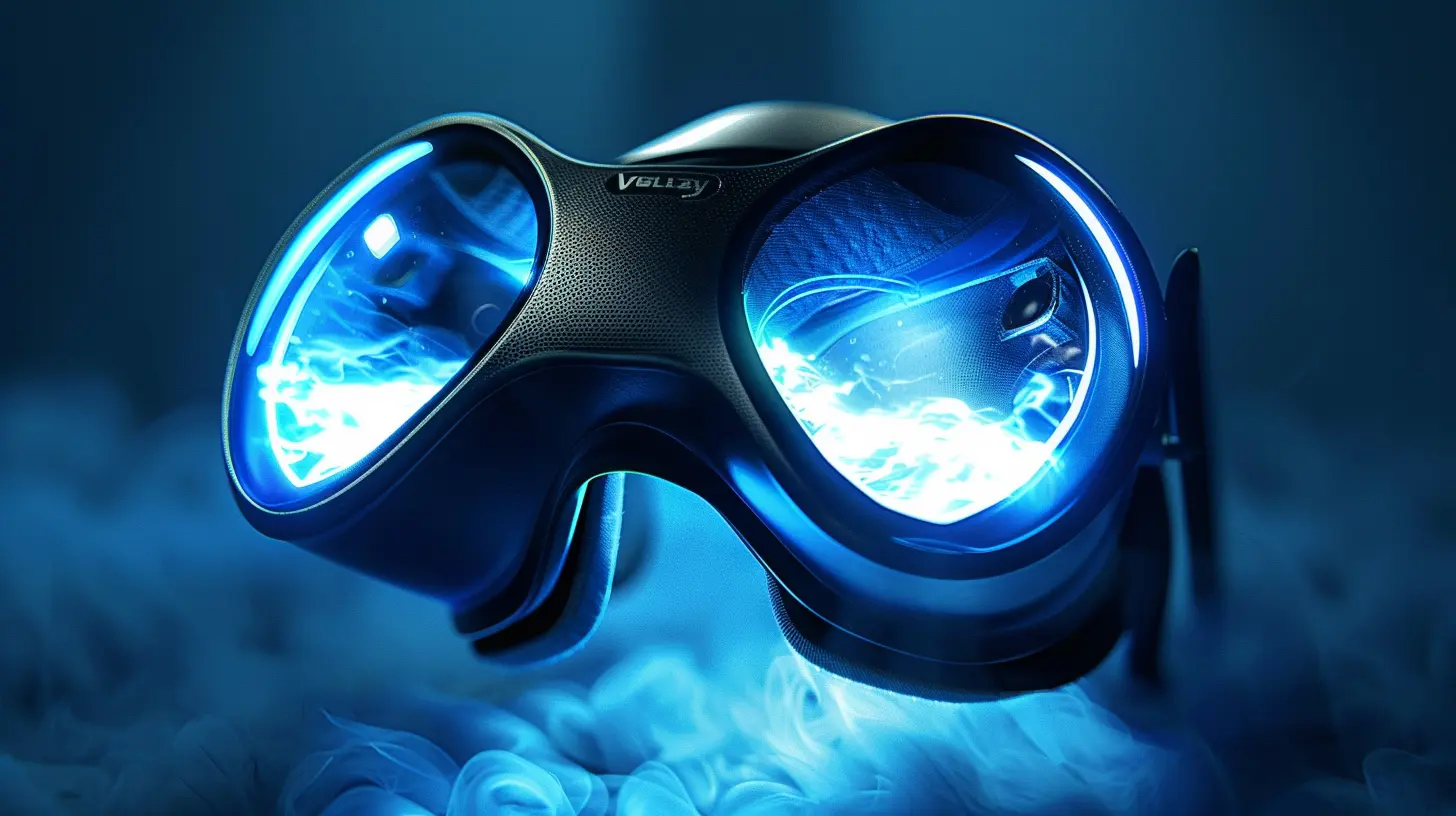
? Brain Melters: Terms You Should Probably Know
Before we get into recommendations, let’s break down the terms that tech nerds throw around like candy at a Halloween party.? Field of View (FOV)
This is how much of the virtual world you can actually see at once. Wider FOV = more immersion. Think tunnel vision vs. panoramic mountain view.⌛ Latency
Latency is the delay between your movement and the headset’s response. Too much latency? Hello, motion sickness! Keep it low—under 20ms is magic.? Refresh Rate
This is how fast images update on your screen. Higher = smoother = your eyeballs thank you. 90Hz is the sweet spot.? Resolution
High resolution = crisp visuals. Low resolution = watching a YouTube video in potato quality. Look for at least 1080x1200 per eye, but the more pixels, the better.? Tracking
This is how your headset knows where you’re looking or moving. There are two types: inside-out (cameras on the headset) and outside-in (external sensors). We’ll dive deeper soon.Got all that? Great, now let’s put on our headset-shaped detective hats.
?️ The Big Players in the VR Arena
Alright, time to meet the contenders. Don’t worry, it’s not a WWE showdown (unless you load up a VR wrestling game, then... maybe).? Meta Quest 2 – The Cool Kid at the VR Party
Price Range: AffordableBest For: Beginners, casual gamers, your uncle who still thinks the internet runs on magic
The Meta Quest 2 is like the iPhone of VR—user-friendly, wireless, and does everything short of making you breakfast.
- ✅ Standalone (no PC required)
- ✅ Inside-out tracking
- ✅ Tons of games and apps
- ✅ Lightweight
- ❌ Battery life could be better
- ❌ Strap may feel like it’s made of medieval torture materials
If you're just dipping your toes into the VR pool, this is the floaty you want.
? Valve Index – The Brainy Overachiever
Price Range: Gulp-inducingBest For: Hardcore gamers, simulation junkies, people who think “high fidelity” isn’t just a romcom
The Valve Index is like having a Ferrari strapped to your face.
- ✅ Best-in-class visuals
- ✅ Finger-tracking controllers (yes, you can flip people off in VR)
- ✅ External tracking for pinpoint accuracy
- ❌ You need a decent PC
- ❌ Setup is... a whole thing
If you’ve got the cash and the passion, this is virtual reality’s final boss.
?️ PlayStation VR2 – The Console Lover’s Dream
Price Range: Not too shabbyBest For: Console gamers, PlayStation loyalists, reformed flat-screeners
Plug it into your PS5 and voilà—you’re in a whole new world.
- ✅ Great visuals with eye-tracking
- ✅ Haptic feedback in the headset (it vibrates!)
- ✅ Easy setup compared to PC VR
- ❌ Only works with PS5
- ❌ Game library is still growing
If you already own a PlayStation 5, this is a no-brainer. Otherwise… it depends on your brand loyalty (we won’t judge).
? HTC Vive Pro 2 – The Business Suit in VR
Price Range: Your wallet may need counselingBest For: Professionals, VR developers, people who say “synergy” unironically
This headset means business. Literally.
- ✅ Top-tier resolution
- ✅ Great for enterprise use
- ✅ Compatible with SteamVR
- ❌ Price tag = “Oof”
- ❌ Setup involves external base stations and tears
Want to feel like Tony Stark while coding the next metaverse? This might be your jam.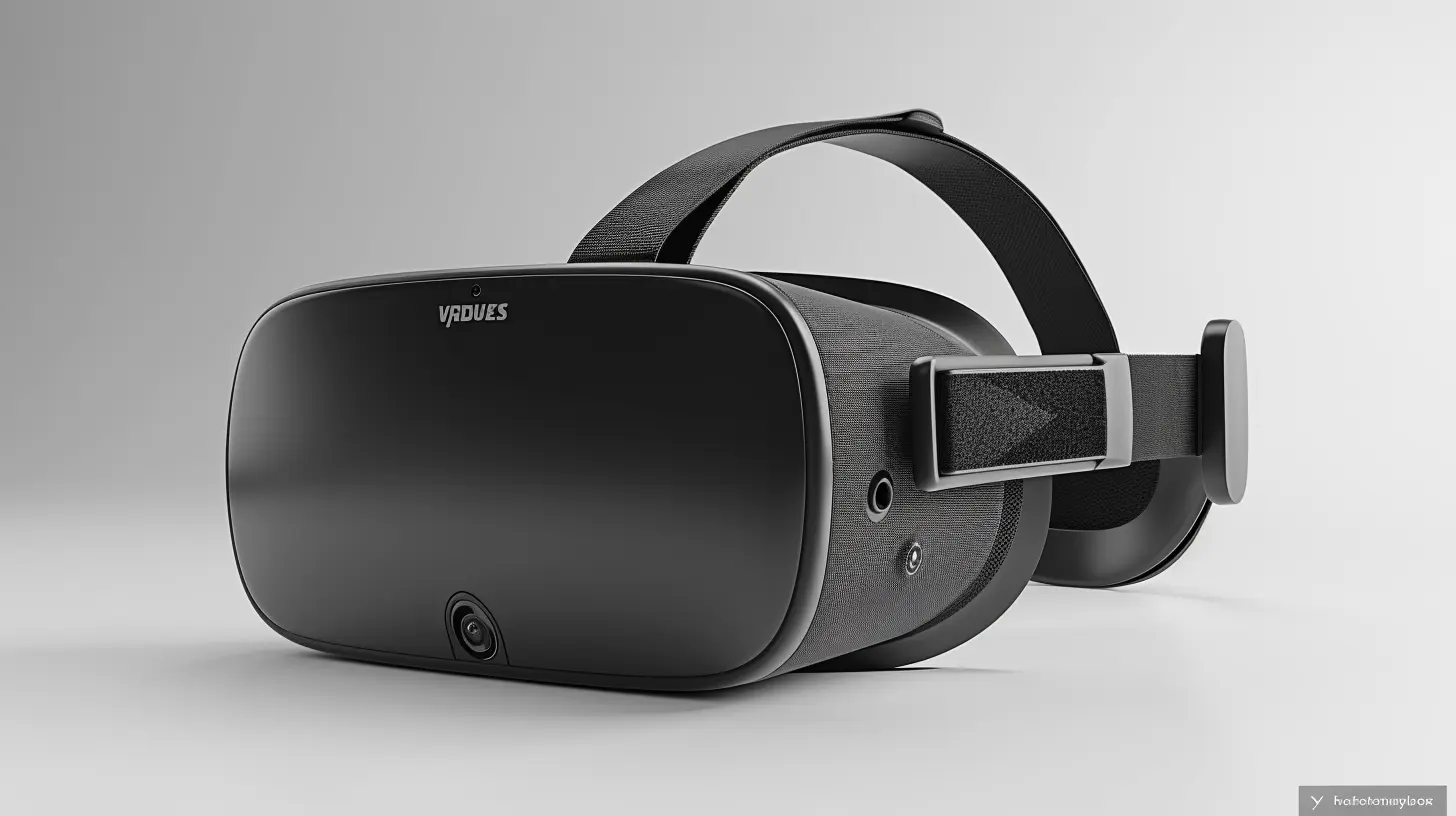
? Standalone vs Tethered vs Smartphone VR
Let’s break this down into relatable metaphors:? Standalone VR (e.g., Meta Quest 2)
Like wireless earbuds—easy to use, portable, and great for casual listeners. No wires, just fun.? Tethered VR (e.g., Valve Index, PS VR2)
This is like a surround sound home theater system—immense, immersive, and best enjoyed in one spot. Requires a PC or console.? Smartphone VR (e.g., Google Cardboard, RIP)
Imagine duct-taping your phone to your face and calling it “innovation.” It was cool… back in 2016. Skip this unless you’re into nostalgia or suffering.? Comfort: Because No One Wants a Face Cramp
Here’s the thing—if it doesn’t feel good on your noggin, you won’t use it, no matter how fancy the features.Factors to check:
- Weight distribution
- Adjustable straps
- Padding quality
- Nose gap (yep, your nose matters now)
It’s like buying a hat. A $500 hat with sensors and screens, but still a hat.
? Controllers and Input: The Magic Wands of VR
Those weird-looking things with buttons? They're your hands in the virtual world. Welcome to wizard school.Some headsets also support hand-tracking, letting you go controller-free. Just don’t try to play Beat Saber with your actual hands unless you like disappointment.
High-quality controllers:
- Fit naturally in hand
- Offer haptic feedback
- Track individual finger movement
Low-quality ones? Well... they'll remind you of the cheap plastic remotes from a 90s RC car.
? Do You Need a VR-Ready PC?
If you’re eyeing a tethered headset, you might need a PC with the kind of power that could launch a rocket—or at least run Half-Life: Alyx.Minimum specs often include:
- GPU: NVIDIA GTX 1060 or better
- CPU: Intel i5 or AMD Ryzen 5
- RAM: 8GB or more
- Ports: At least one USB 3.0 and a DisplayPort
No, your 2012 laptop running 47 Chrome tabs won’t cut it. Sorry.
? Use Case Scenarios (Because Not All Heroes Wear Headsets)
Still unsure? Here’s a quick cheat sheet:| You Want To… | Your Headset Should Be… |
|--------------|--------------------------|
| Casual game & chill | Meta Quest 2 |
| High-end gaming | Valve Index |
| VR fitness | Meta Quest 3 (for advanced tracking) |
| Develop VR apps | HTC Vive Pro 2 |
| Console gaming | PlayStation VR2 |
| Just try VR without selling a kidney | Used Quest 2 or Quest 3 |
? Accessories You Didn’t Know You Needed
You bought the headset. Now what? More stuff! Yay!- VR Cover: Sweat-proof and hygienic. Great if you're sharing.
- Carrying Case: Protect your investment (and your dignity).
- External Battery Pack: Because your headset’s stamina is shorter than a goldfish's attention span.
- Custom head straps: Save your neck. Trust us.
Pro tip: Don't cheap out on comfort. You’ll thank us when you're 3 hours deep into Skyrim VR, battling dragons in ergonomic bliss.
? Pitfalls to Avoid (a.k.a. “Don’t Be That Guy”)
- Buying without checking compatibility: Like buying diesel for your electric car. Double-check your gear.- Ignoring space requirements: You will punch a wall if you’re not careful.
- Assuming cheaper is better: Budget is fine. Rock-bottom? Not so much.
- Skipping reviews: Read what other users are saying. Especially the funny ones. They’re educational and entertaining.
? Final Thoughts: Which One’s “The One”?
Honestly? The “perfect” VR headset depends on you.Are you:
- A casual explorer or a full-on VR Jedi?
- Ready to spend $300 or $3,000?
- Gaming wirelessly in your bedroom or setting up a digital dojo in your garage?
Choose what fits your needs, not what’s trending on TikTok this week. Try on a headset if you can before buying (check local stores or bug that one friend who already has one).
Whatever you choose, remember: you’re not just buying tech—you’re buying a portal. So pick wisely, and may your loading screens be short and your immersion be deep.
Now, go forth and conquer the virtual realm. Just... maybe avoid VR rollercoasters on day one. Trust us.
all images in this post were generated using AI tools
Category:
Vr HeadsetsAuthor:

Jerry Graham
Discussion
rate this article
1 comments
Carly Sheppard
Choosing the right VR headset can elevate your gaming and entertainment experience. Focus on comfort, resolution, and compatibility to find the perfect fit for you.
June 20, 2026 at 4:51 AM
Jerry Graham
Absolutely! Comfort and resolution are key. Finding the right fit makes all the difference in enjoying your VR experience.